




Love what you are seeing?
We have created several courses where we dive more into the technical aspects. So, if you like what you read here, you'll love our courses!!





By:
Greg Jenkins
|
February 9, 2026
|
Technology
This post is for anyone who works in more than one Infusionsoft account, or anyone who just likes technical tricks, or digital snooping.
K, so, if you work with a lot of different Infusionsoft applications, you may get a random notification in your email sometimes, for whatever reason.
For example, a saved search/report doing its automated reporting to you as the User.
These system notifications don't always leave a clear paper trail as to which app the notification originated. And if that notification needs some action, this can be particularly problematic.
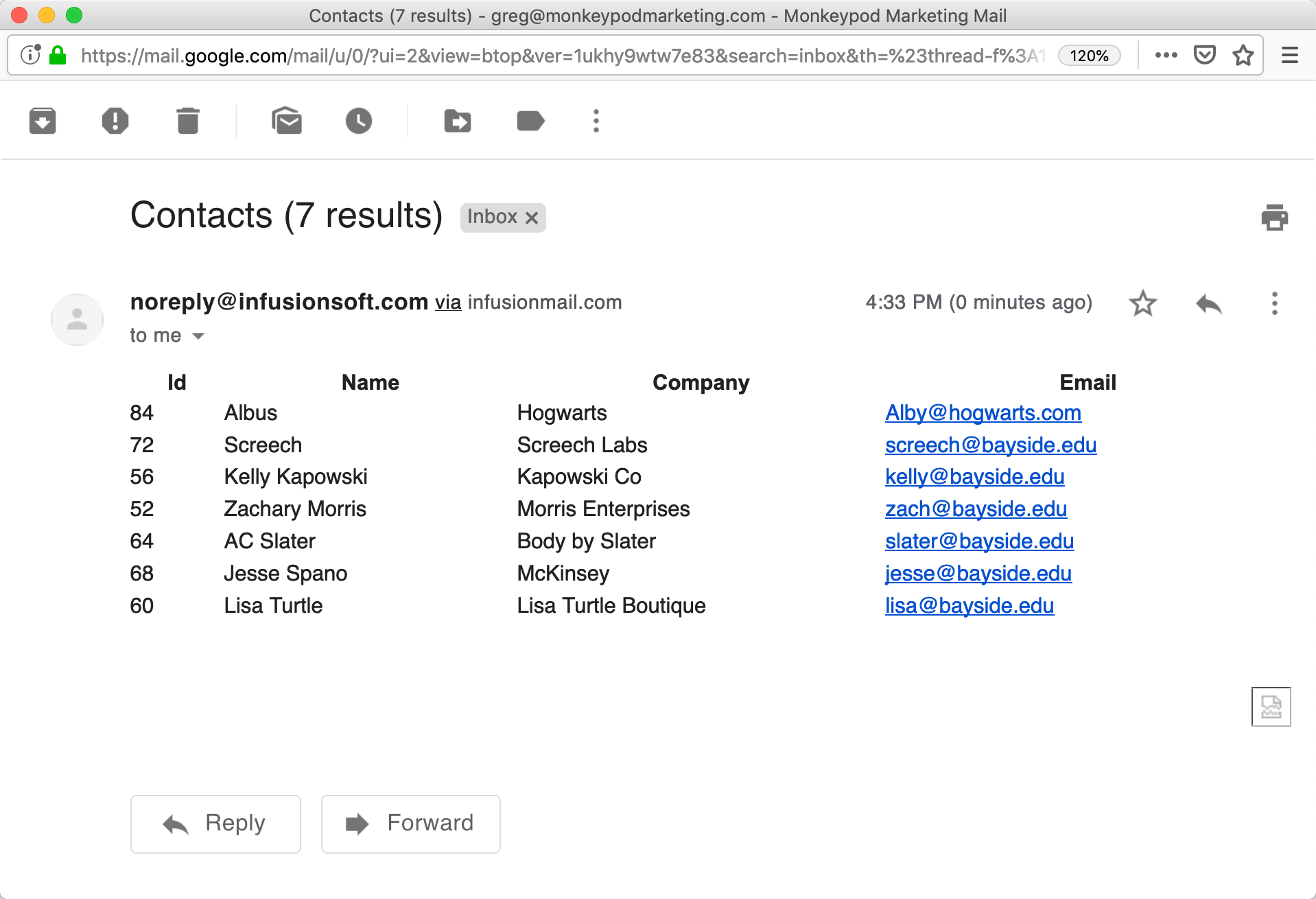
If you use Gmail (read below if you don't) there is an esoteric function known as 'Show Original'. This allows you to view the raw HTML of the email.
As you've probably guessed, the app name from a mystery notification can be found in the raw HTML of any Infusionsoft-sent email and this can easily be extracted if you know what to look for.
Which means that, even if you don't use Gmail, you can still use this general tactic of looking at the HTML. All you need to do is figure out how to view the raw HTML for a particular email in your system.
First, let explore how the HTML of an email is structured, and I'll try to make it exciting :)
Emails are similar to those websites we all know and love. There is the header information that the machines care about, and the body of the page that we see.
See, its thrilling!
Emails are the same way. You have the header information and the email body. Think of it like the envelope and the letter inside.
To see the raw HTML of an email, in gmail, click the ellipsis and 'Show Original'
We have created several courses where we dive more into the technical aspects. So, if you like what you read here, you'll love our courses!!