




Love what you are seeing?
We have created several courses where we dive more into the technical aspects. So, if you like what you read here, you'll love our courses!!





By:
Greg Jenkins
|
February 9, 2026
|
Strategy
The inspiration for this post came from this very thorough SEO for YouTube experiment I followed from Matt Giovanisci over at MoneyLab. He has his own YouTube channel (a few of them actually) and documented the process he went through as he focused on optimization.He covers a lot more in his post than I do here, but rather than wait until I felt confident taking the exact same approach, I figured I'd tackle what I could for now.I spent a little time on my channel page, but most of my effort was focused on tidying up the following things for individual videos.
I recorded a video summary of my approach on this project so you could see exactly what it takes - tackling all these items for a single video takes less than 10 minutes (with the bulk of the time being spent creating the thumbnail graphic).
Updating the video title, tags, and description were all pretty straightforward - and to be honest, I probably could still go back and make them even more strategic, but since this was something I had spent almost no time on in the past it was easy for me to make a significant improvement without a whole lot of effort.
I tried to answer "What is this video" and "Why is it valuable" and then "What would this person want after this" - then I used the description to answer as much of that as I could.
Updating the thumbnails took a little more time, because I had to actually create the graphics. As you know I'm far from a graphic designer, but this post outlines my very amateur method for creating graphics.
Here are a few of the thumbnails I created for this project:


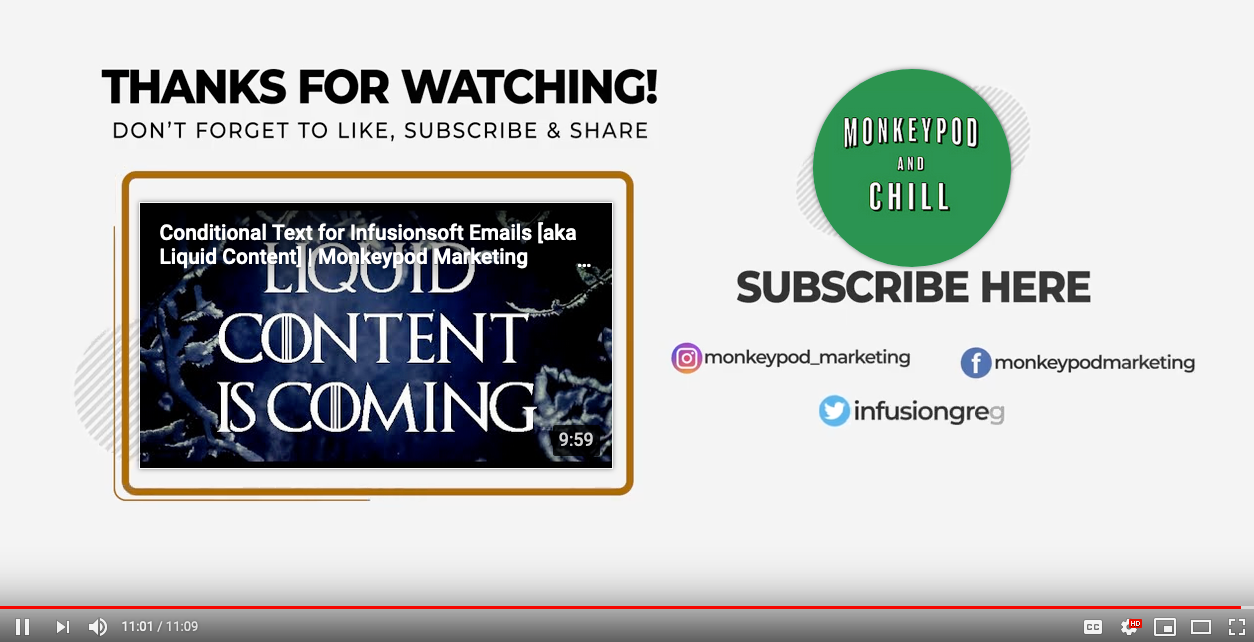
This one was totally new for me. End Screens are the little tiles that pop up at the end of a video to recommend another video, or to encourage the viewer to subscriber.
It's a native YouTube feature, and it was easy to use - I just had never even tried.
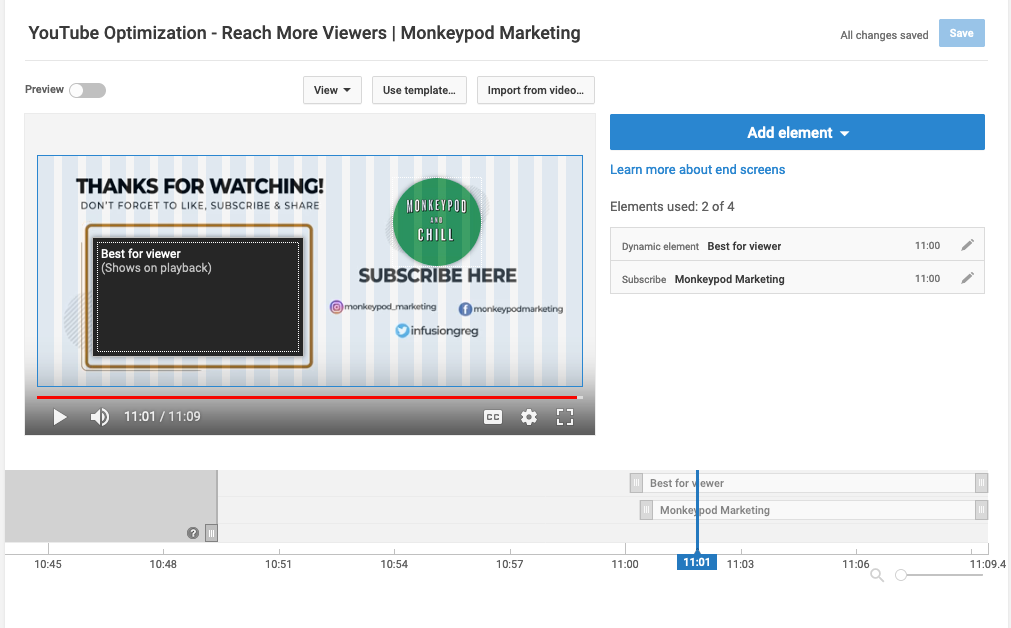
I started by just added these over the video itself and had to pick and choose where to place them because the videos I was retroactively updating hadn't been created with that in mind - so in some instances, the tiles are over my face.
I figured long term I'd create a specific section that was designed for this purpose - and as I got into this I decided I'd better tackle it sooner than later. So, at the end of the video above you can see there is an outro animation designed to frame up both the recommended video as well as the subscribe button (thanks to Bret Martineau for whipping that up for me).
Rev.com as an option for getting videos transcribed and adding captions, heck I had even recommended it to others - but it took Matt's experiment for me to actually try it out.
I thought it was going to be a "whole thing" - it was not.
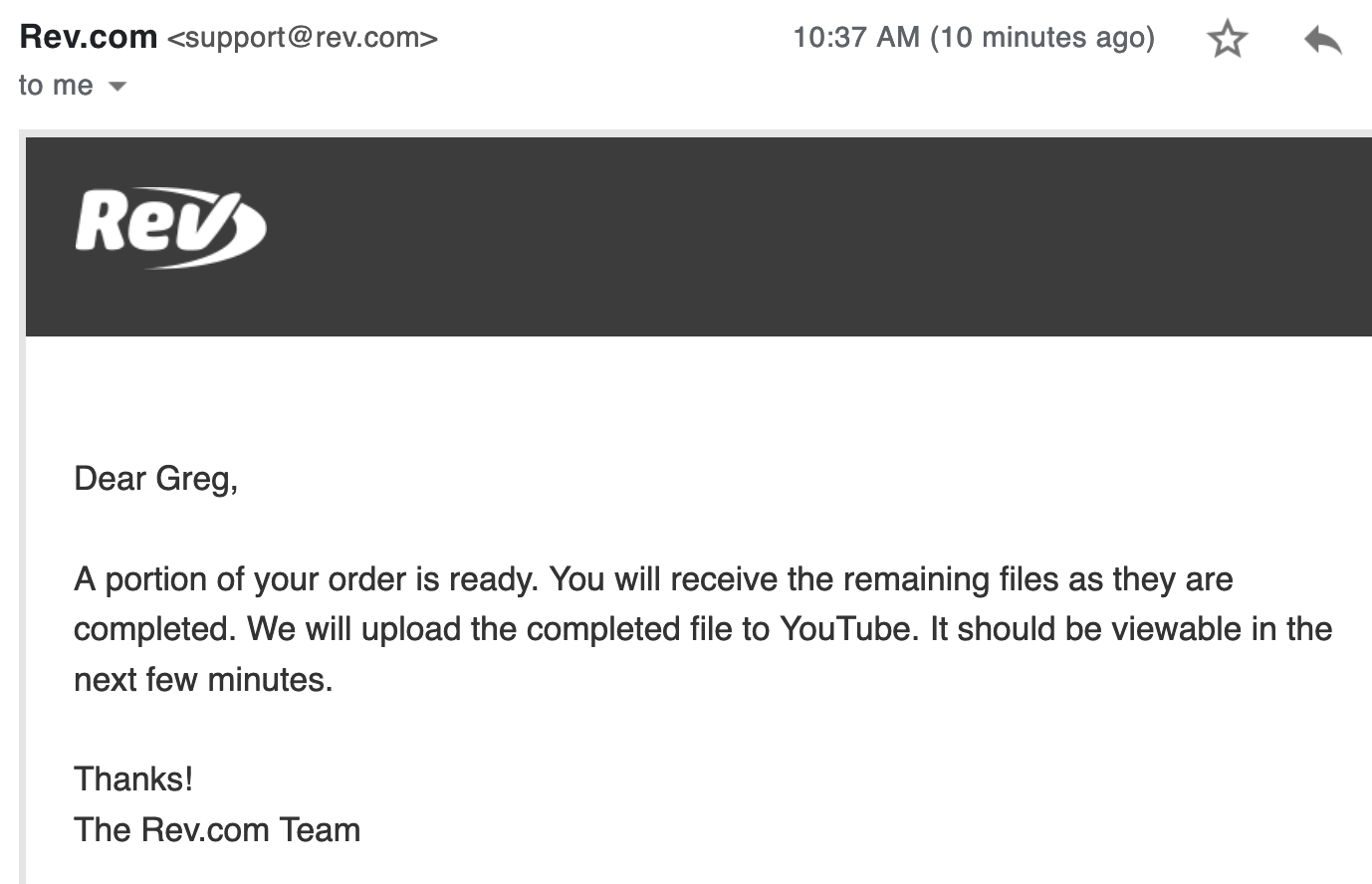
Rev.com was stupid easy - a full-on delightful customer experience. In fact, just this morning I placed another order with them (my third) and as I type this the completion notifications are coming through.
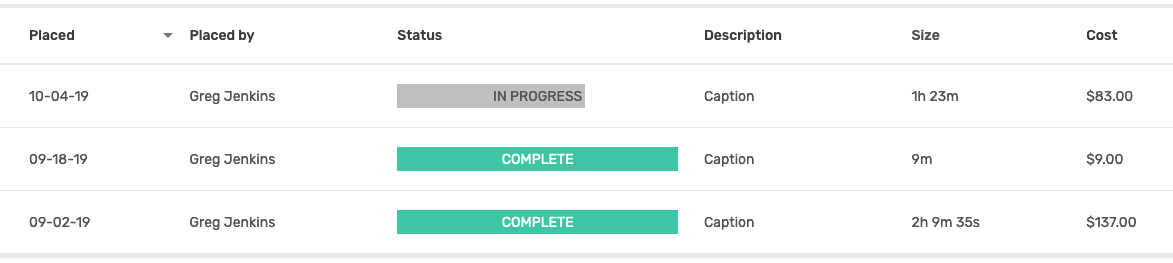
Oh, and they upload the captions right to your YouTube channel - so I literally select the videos I want them to transcribe, pay, and then I'm done. Stupid simple
full experiment over on his MoneyLab site, but before you do - go ahead and subscribe to my partially optimized YouTube channel here:
We have created several courses where we dive more into the technical aspects. So, if you like what you read here, you'll love our courses!!