When I first started setting up automations for myself or clients, I did what most DIYers do: I connected tools like Zapier, Make, or Google Analytics to my own email account. Or sometimes the client’s, especially if they were the business owner or the person with all the logins.
And hey, it worked.
Until it didn’t.
Eventually, something would break—quietly. Like, a task wouldn’t fire, or a webhook would throw an error. Maybe someone’s account would be deactivated, or a setting would change—and no one would know why until we traced it all the way back to who set it up.
The Shift: Use a Dedicated Service Account
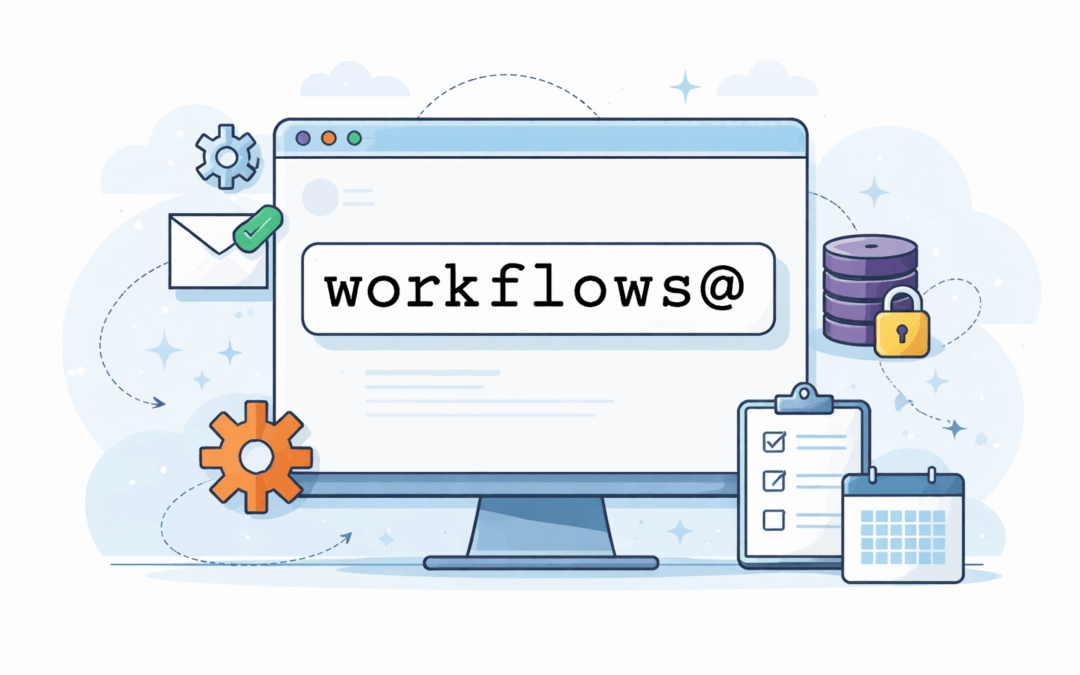
One small (but mighty) change you can make is to create a dedicated system user account—something like workflows@yourdomain.com.
This account lives in your Google Workspace or Microsoft 365 environment and exists solely to run your automations.
It’s not a flashy trick. But it’s one of those decisions that immediately makes everything easier—and much more stable.
Security Without the Side Effects
Using a person’s account might give your automation more access than it needs.
For example, say the business owner has SSO access to tools like QuickBooks or Stripe. If you use their account to authorize something, you could accidentally open a back door to platforms that were never supposed to be part of the build.
A dedicated service account:
- Only has the access you give it—nothing more
- Doesn’t live on someone’s phone or personal laptop
- Isn’t getting phished or tricked while browsing the web
It’s a cleaner, safer way to give your tools the keys to the parts of the house they actually need.
Stability That Doesn’t Depend on People
People leave. Passwords expire. 2FA tokens get reset.
And when your automation relies on someone’s real account, you’re betting your stability on their availability (and memory).
With a workflows account:
- You’re not left guessing why a zap stopped firing after someone quit
- You don’t lose access when someone’s account is deactivated
- Alerts and error messages go to an inbox you can monitor, instead of vanishing into someone’s cluttered Gmail tab
It’s about continuity—making sure your systems don’t go down just because someone went on vacation (or hit “Forgot Password” one too many times).
Cleaner, Easier Building
It also makes the build process smoother.
With a clean, neutral service account:
- You can create dedicated calendars, folders, and tokens without personal clutter
- You’re not worried about messing with someone’s real data while testing
- Multiple builders can share access without needing to reset someone’s password
And if a tool needs to send emails or system alerts, they’ll land in a shared inbox, not one person’s digital black hole.
One Last Thing: Not Everything Needs This
This isn’t a blanket rule. Some connections will still come from a personal account—especially when someone’s integrating their own calendar, inbox, or scheduling tool.
The goal isn’t to replace those.
It’s to add a dedicated teammate—one whose entire job is to run workflows, send alerts, and keep things humming along.
Want Help Building Smarter Systems?
Check out The Fundamentals of Business Automation for a step-by-step foundation, or hop into the Monkeypod Membership to talk shop with other automation-minded humans.
Wise Words: Automation
We interviewed eight business owners who use automation in their own businesses, and with their clients. This course is a compilation of the lessons we wish we’d learned earlier.