What are Keap Opportunities? What is the pipeline? Do I need it? How does it work? What does it do?
I’ll be honest – when I first started working with Keap, I didn’t know what “opportunities” were. I didn’t get it.
It felt abstract, and I didn’t see how it tied together with the rest of the platform.
So, even though I was using the software daily, I avoided it…for months.
And I know I’m not the only one.
I don’t have a course covering opportunities, I might someday, but for now, consider this Opportunities 101 – for anyone who has ever wondered what they are or where they fit, but has been afraid to ask, or just hasn’t taken the time.
I want to be clear – you might not need opportunities at all. If your sales process is entirely online and doesn’t involve manual interaction, then this may not be for you at all.
But unless you know what it does, and how it works, you don’t know what you’re missing out on.
So, what are Opportunities anyway?
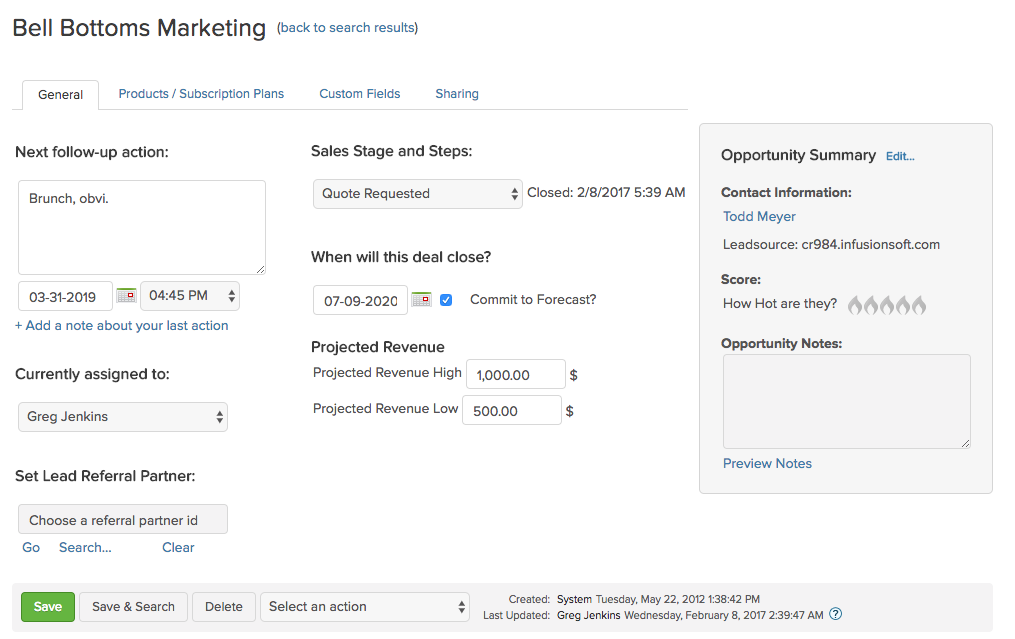
‘Opportunities’ are records (like contact records), but they represent an interest, rather than a person. In Keap Pro and Max, Opportunities are called “Deals”.
Opportunities in Keap are tied to a contact. And contacts can have multiple opportunities, but opportunities can only be attached to a single contact.
Opportunities serve as a vehicle to move someone through a process, most commonly, to track their progression through a series of stages, like a sales pipeline.
Wait, what is a Pipeline?
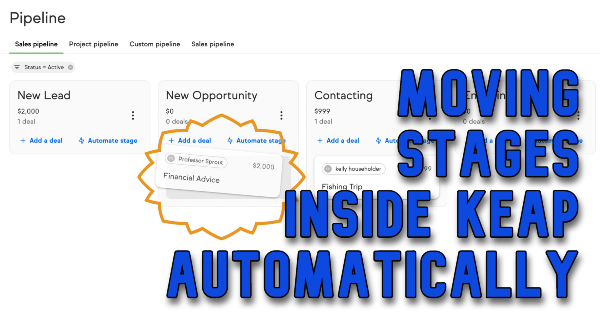
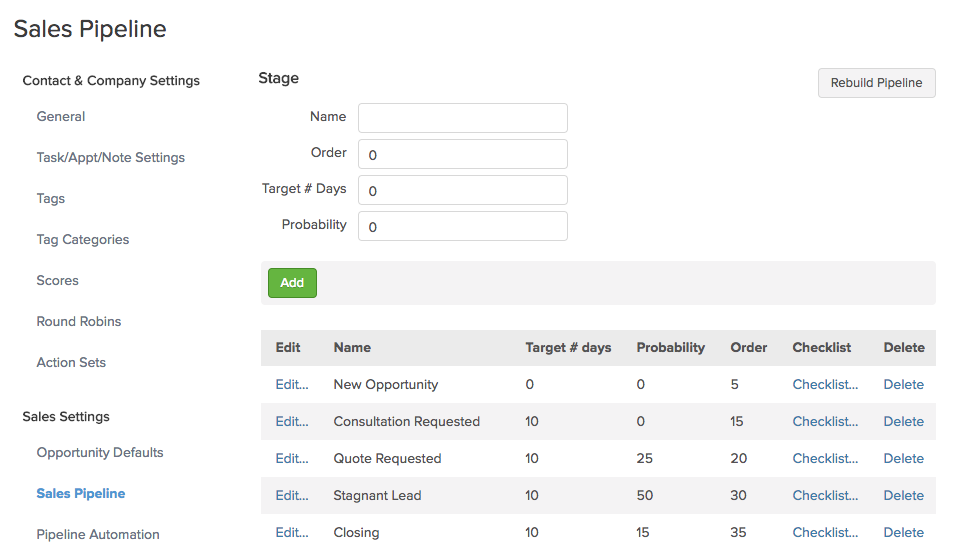
The Keap pipeline, or sales pipeline, is just a tracking mechanism for a process. Any process, but usually a manual offline sales process.
You move opportunities through the pipeline stages you define.
The reason I say “Any Process” is that you could use Infusionsoft’s pipeline to track something other than a sales process. For example, if you have a manual fulfillment process that needs to happen after someone places an order, it might make sense to create an opportunity record AFTER someone purchases.
How does this benefit my business?
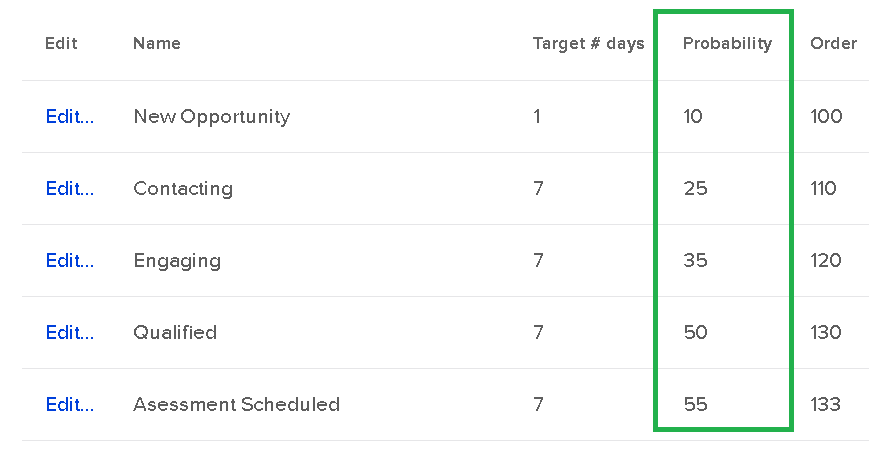
The primary benefit to a business is that it helps you get clear on the process and journey leading up to a purchase – so you can see where your sales are going to come from. As you use it, you can start to gauge “Hey, if they make it to this stage, they have an X% chance of buying.”
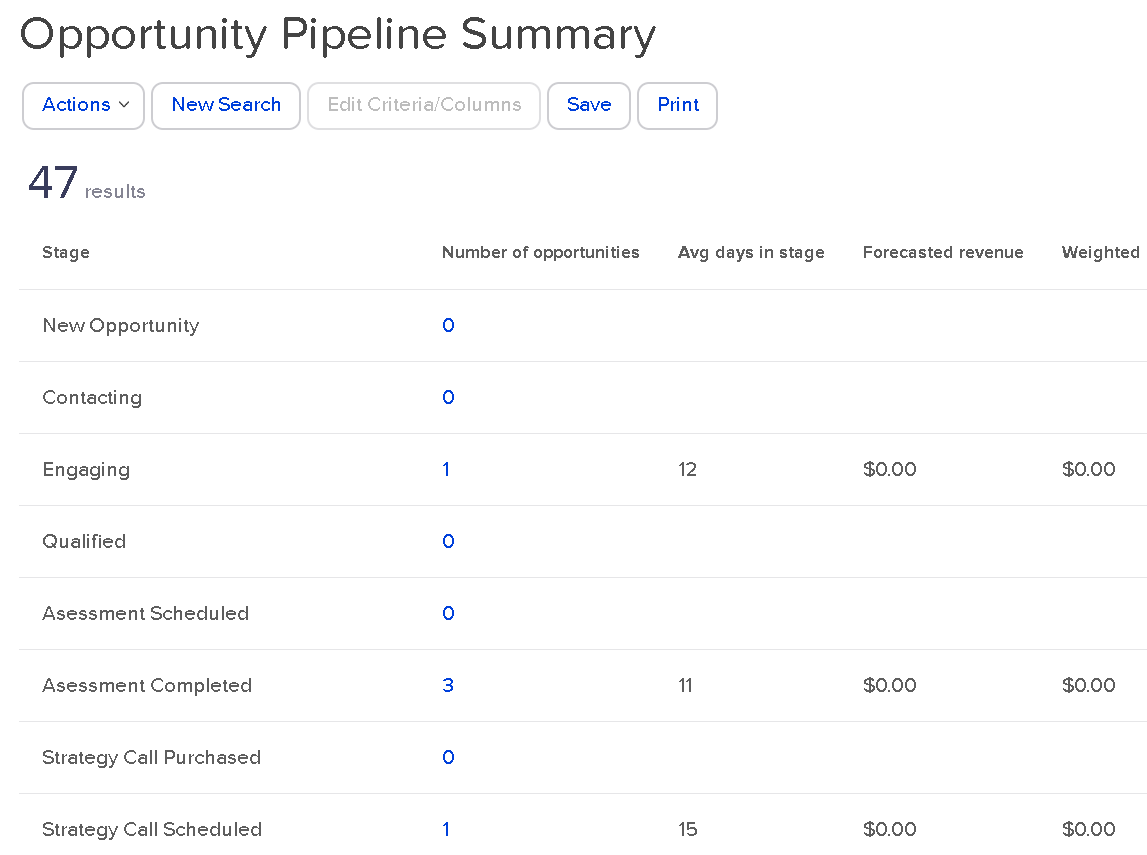
As you use the pipeline, it can also help you identify bottlenecks, and gives you transparency into your processes. If you know that people are getting stuck in a certain stage for much longer than you’d expect, you can then go investigate why.
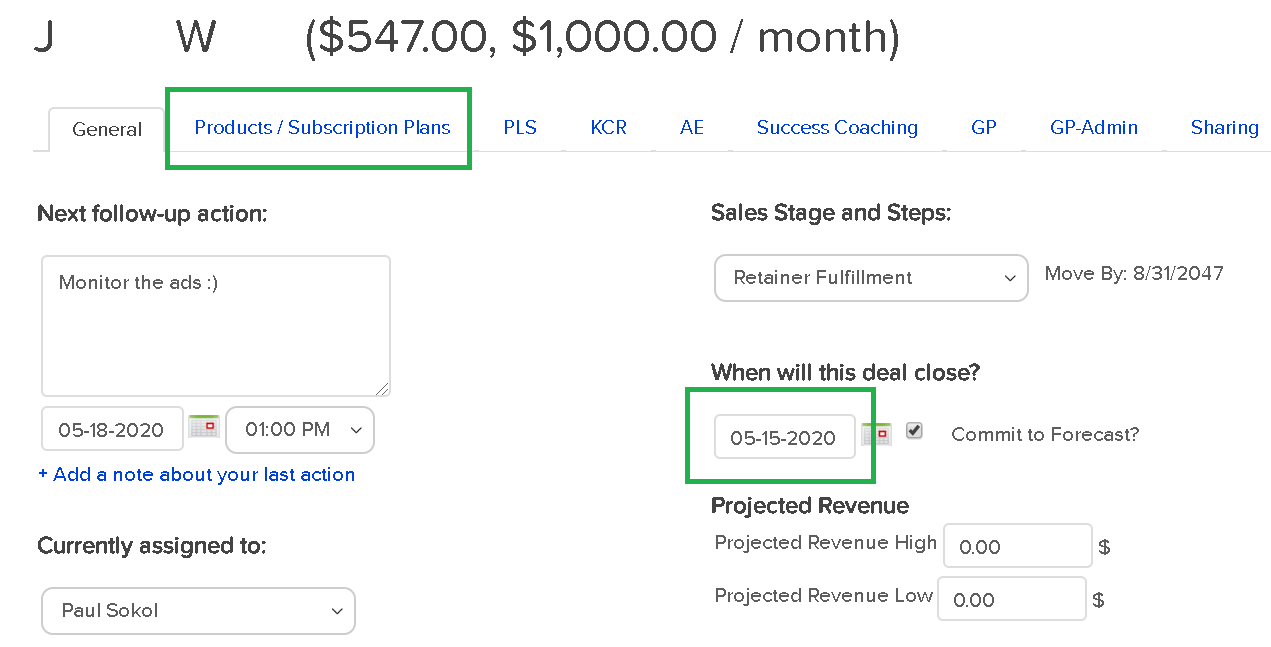
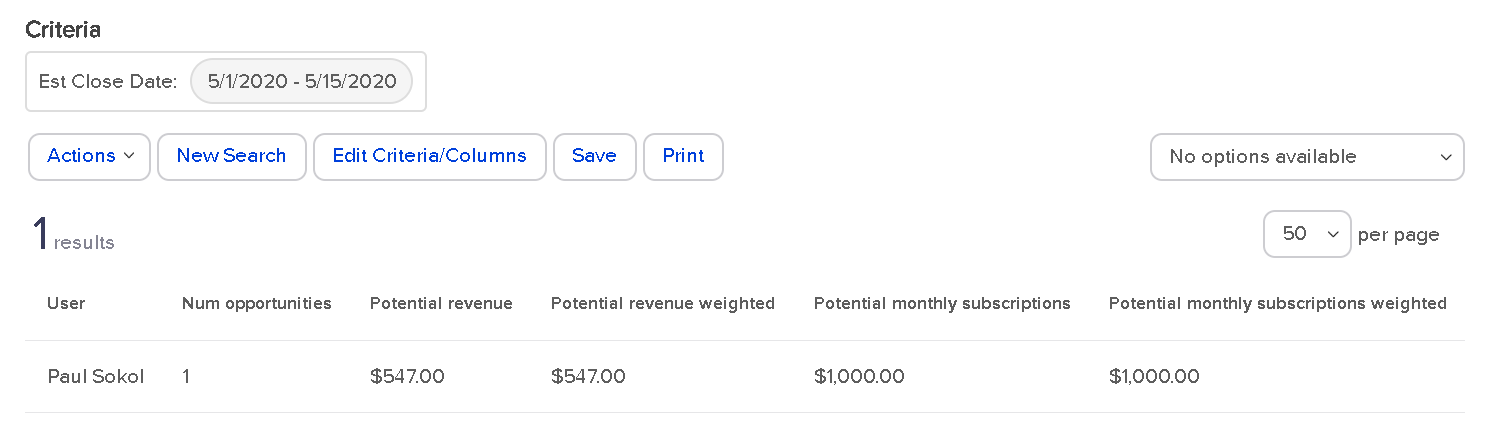
Opportunities in Keap also afford you the ability to assign a projected revenue range – which helps you know the total value of the opportunities in your pipeline, or in a specific stage. When you combined this with projected “close” dates and weighted forecasting it unlocks robust reporting and analysis that can be used to inform key decisions.
You can literally help a sales team decide how to allocate their resources, or prioritize their day.
[Back to Top]
When do I create an opportunity?
If you’re going to use Opportunities to track prospects through your sales journey (or any journey) then a natural question is “When do I create an opportunity?
As soon as I get their business card? When the prospect signs up for something? Only after they’ve asked for a quote?