Dynamic Global Merge Fields

Dynamic Global Merge Fields

You can write your Keap emails in whatever language makes the most sense – right?

But if you want to use the date merge fields to personalize your content, then when it merges in the month (or the day of the week), it can disrupt the whole message.
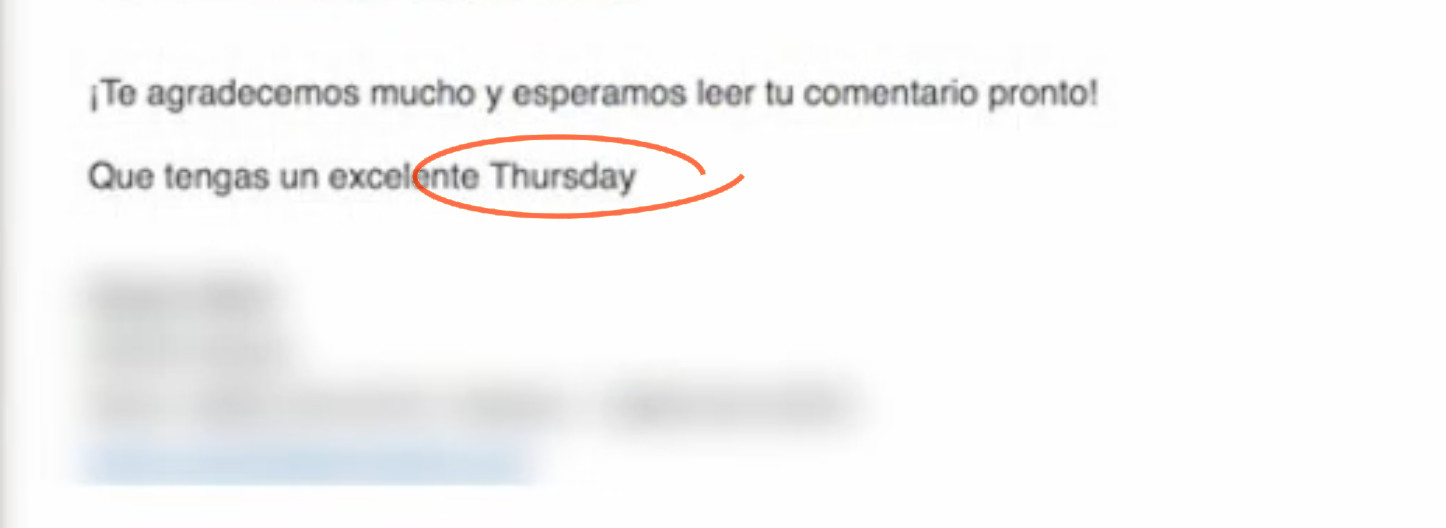
day of week language

That’s not exactly gonna fly.

It begs the question, how do I create custom date merge fields for any language?

Multilingual Merge Fields

Well, the native date merge fields merge in English, but I saw a possible clever solution posted in a group – and it sparked an idea.

If you can dedicate a custom field to ‘day of the week’, you could use automation to continually update that field in whatever language(s) you deliver your content.

Check it out:

This is a solution to a relatively niche problem, but often times clever workarounds like these can spark ideas for unrelated issues.

If you see utility outside of the specific context offered in the video, I’d love to hear where else this might be valuable.

Thanks for reading!

How to Automatically Mirror Notes between Keap Contacts

How to Automatically Mirror Notes between Keap Contacts

I think notes are one of the most under-appreciated Keap features.

They’re flexible – notes can be applied manually to record an offline interaction, or automatically as a step in a sequence.

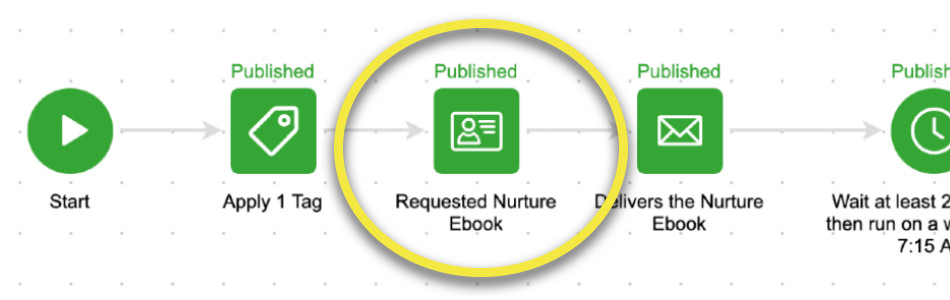
Sequence Step Note Applied

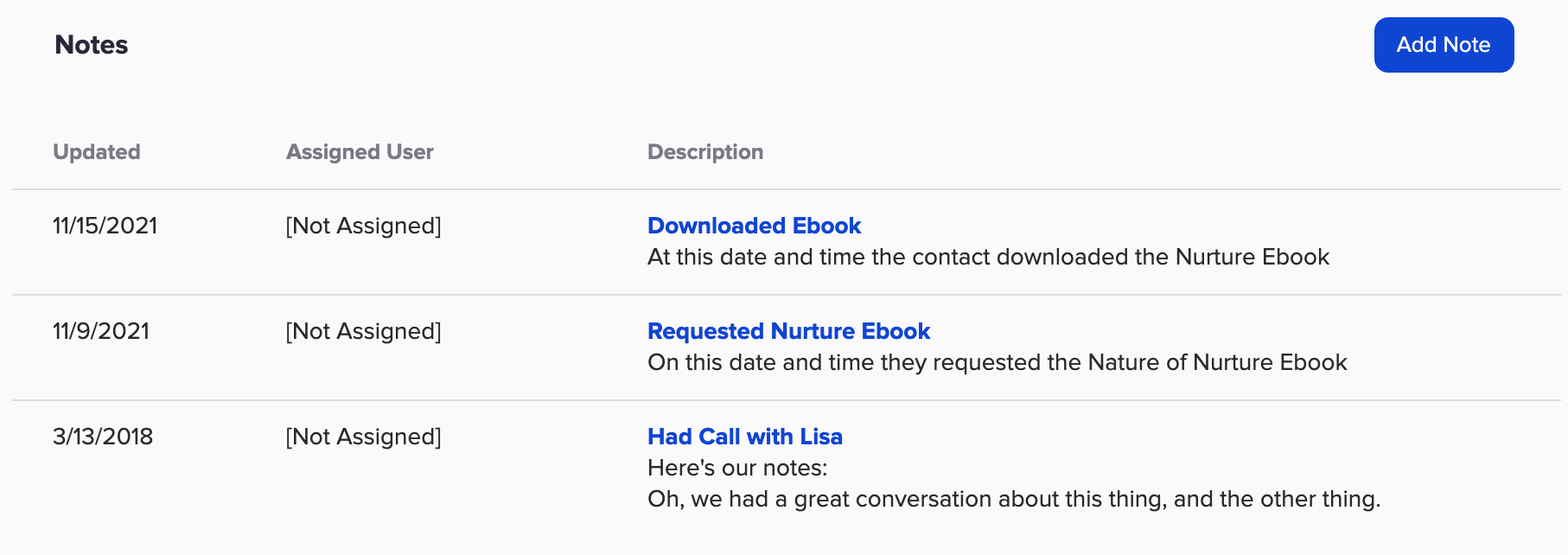
And if you’re diligent about applying notes at key milestones, then the notes section on the contact record can give you a useful timeline of interactions with that contact.

Note HIstory

This is all sound advice – and can help keep contact info current, reduce the need for tags, and create a consolidated history of important milestones right on the contact record.

But, what happens if you have two contacts that are associated with one another?

Can I sync notes between two contacts?

What if you want to automatically sync notes from one to the other?

Like, between two spouses – or two contacts at the same company.

This question came up in the OG members group the other day and while it isn’t possible natively, we did come up with a creative Zapier-based solution.

Check it out:

Notes are an underrated tool – and if you take nothing else away from this blog post I hope you start seeing them as a flexible way to track information.

But, if you have a situation where you need to automatically sync notes (or tasks, or appointments) between two contact records, then hopefully the Zapier solution modeled in this video gives you some ideas.

And speaking of ideas, if you want to see more Zapier use cases, check out this post.

If you found this useful (or have follow up questions), drop a comment below. Thanks for reading.

How to Round Robin Anything

How to Round Robin Anything

So, just so we’re all on the same page, a round robin is a way of distributing things equally.

A common example would be assigning leads to your different sales reps.

And in this post we’re going to show you how you can use Zapier and Google Sheets build your own custom Round Robin process.

Use Cases

I think this solution could be useful in a handful of scenarios – but here are the main ones I see:

1. If you use Keap Max or Keap Pro and need to distribute leads between your different sales reps

2. If you want to round robin between external vendors (lenders, coaches, etc) who are not users on your app

3. Or, this could be used to round robin between options – like, assigning students to study groups, or rotating mentees between mentors, or picking which bonus item goes to new purchasers

How does it work?

So, to do this you’ll want to start by setting up a list of the round robin options in a google sheet.

Then, you’ll design a zapier recipe that starts at the first option, and each time it runs it increments by 1 in order to select the next option.

The key component here is to make sure the ‘count’ is reset to 0 once you’ve reached the end of your options.

Here’s a demo for you:

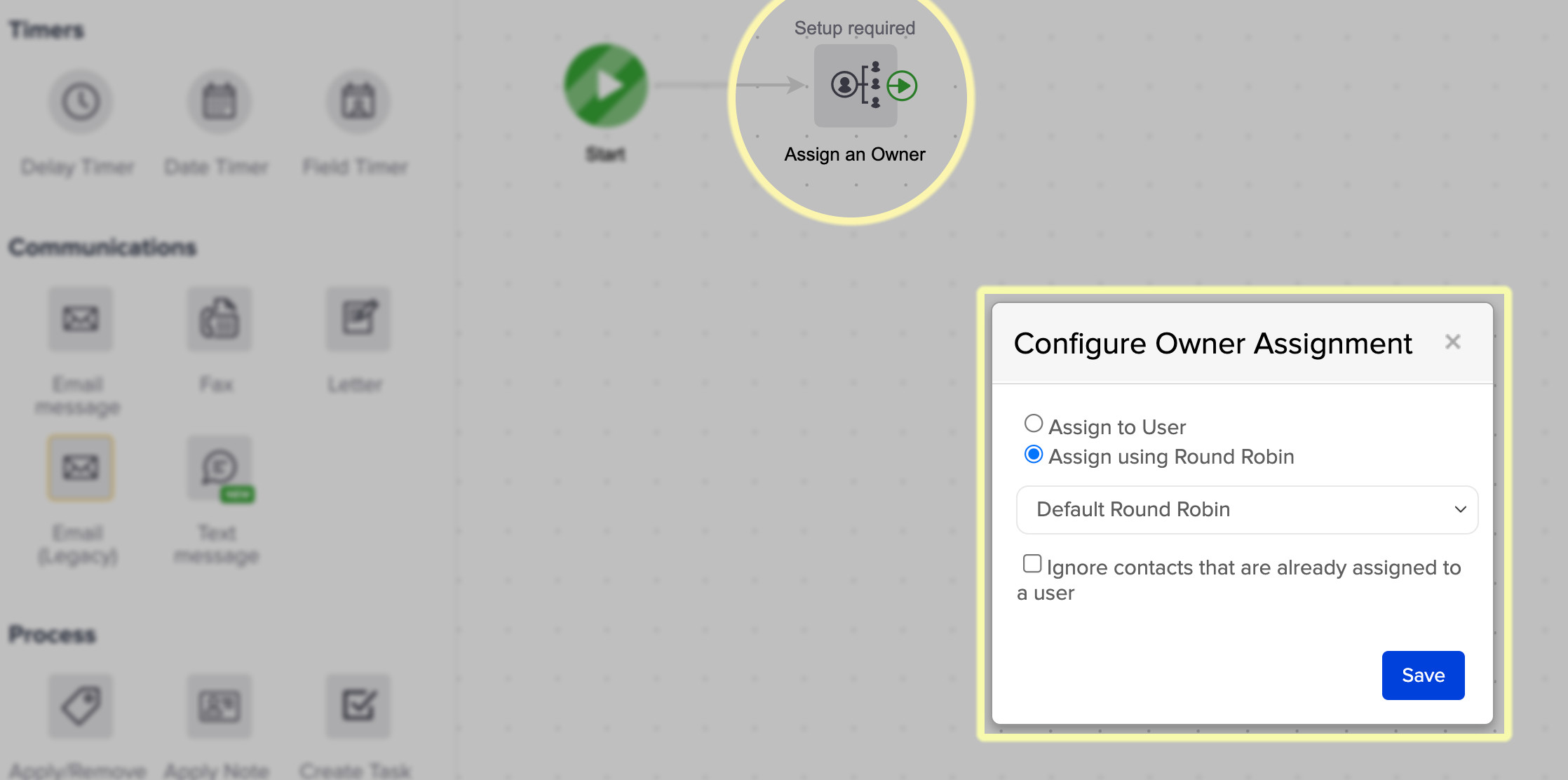
And just as a reminder, if you use Max Classic (formerly Infusionsoft) there is a built in Round Robin process for assigning leads and opportunities.

Round Robin Native

But if you don’t use Max Classic, or you need a secondary round robin option, then using Zapier to create your own might save the day.

If you go this route I’d recommend using an HTTP post to initiate the Round Robin (here’s a demo on that).

And if you’re new to Zapier, here are a handful of examples for recipes other Keap users depend on.

Thanks for reading – feel free to leave any questions or comments below.

Lead Scoring in Keap

Lead Scoring in Keap

This blog post is all about the Lead Scoring feature in the Max Classic version of Keap.

(And just as a reminder, the Max Classic version was formerly called Infusionsoft.)

But before we get to how this feature works, I wanna first talk about what it does, so you can decide if it’s something that your business will use.

As valuable as Keap’s Lead Scoring feature is, it’s utility is somewhat limited for certain business types.

Kinda like the corkscrew on a swiss army knife – if you don’t drink wine, it’s probably not that important.

But if you’re part of the rosé-all-day crew, then this little feature might just be your personal fav.

What is Lead Scoring?

Simply put, Lead Scoring is a Keap feature that evaluates your database (all your contacts) and assigns them a score based on a set of criteria you define.

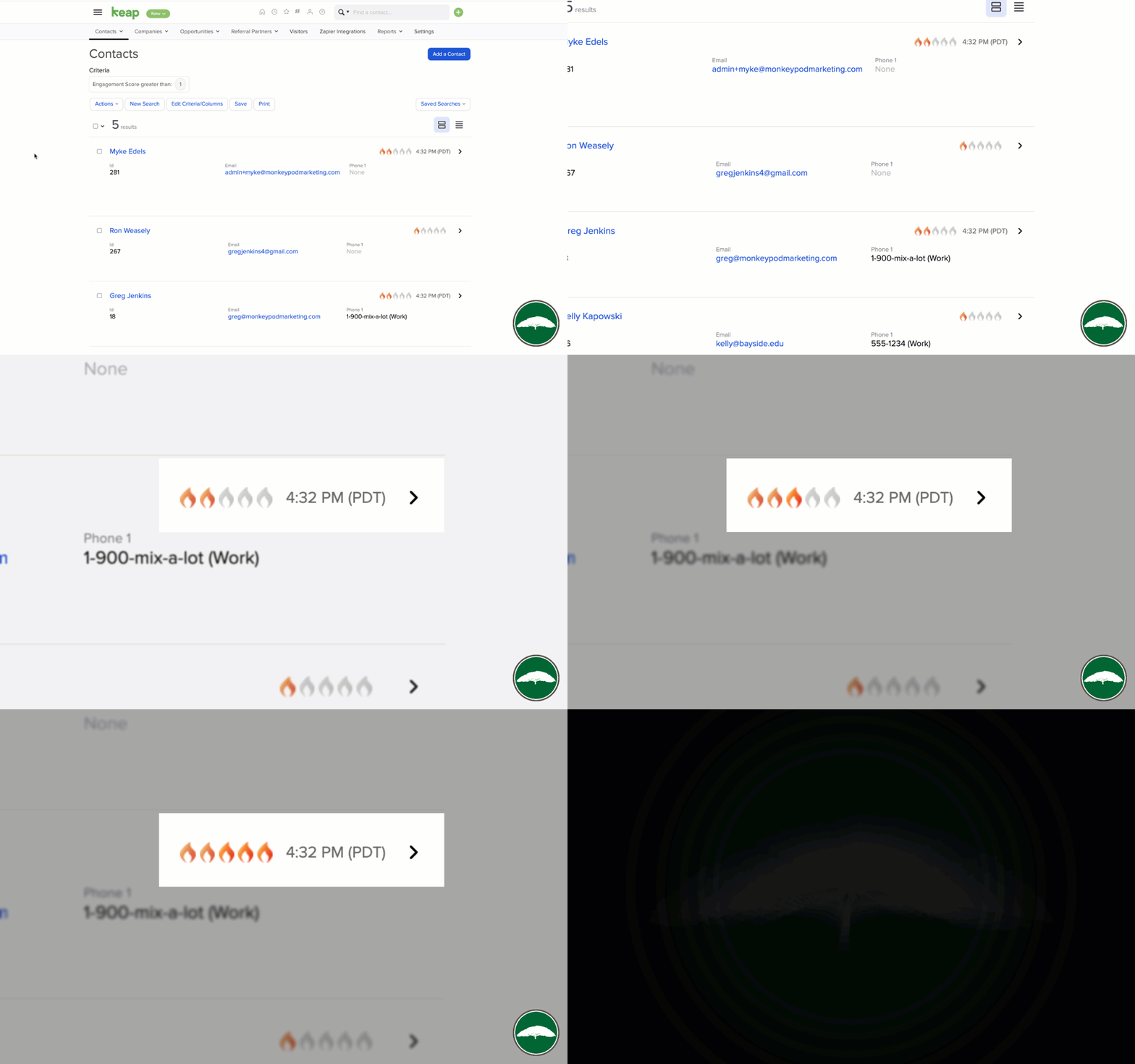
That score is represented on their contact record by flames.

Lead Score Flames in Keap

If you’ve seen those flames and wondered, now you know.

But if you’ve never seen those flames, it could be because Lead Scoring is only available in Max Classic accounts (formerly known as Infusionsoft), or that it’s simply disabled in your account (but you can flip it on).

Which begs the question – do I need it?

Do I need Lead Scoring?

Maybe. Maybe not.

It’s a cool feature – but doesn’t mean it’s critical for every business.

If you want to keep tabs on how your audience is engaging with your content, then Lead Scoring might be the answer. Scores calculate automatically and you can get updates on your dashboard.

Keap Lead Score Update

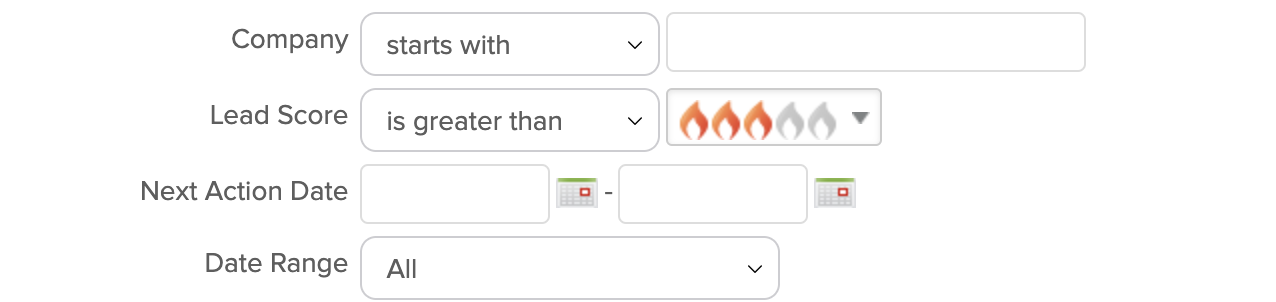
If you have a team of sales reps (or even just one) who want to make sure they’re spending their time calling the most engaged prospects in their pipeline, then Lead Scoring might be the answer. It’s available to use as search criteria.

Lead Score Criteria

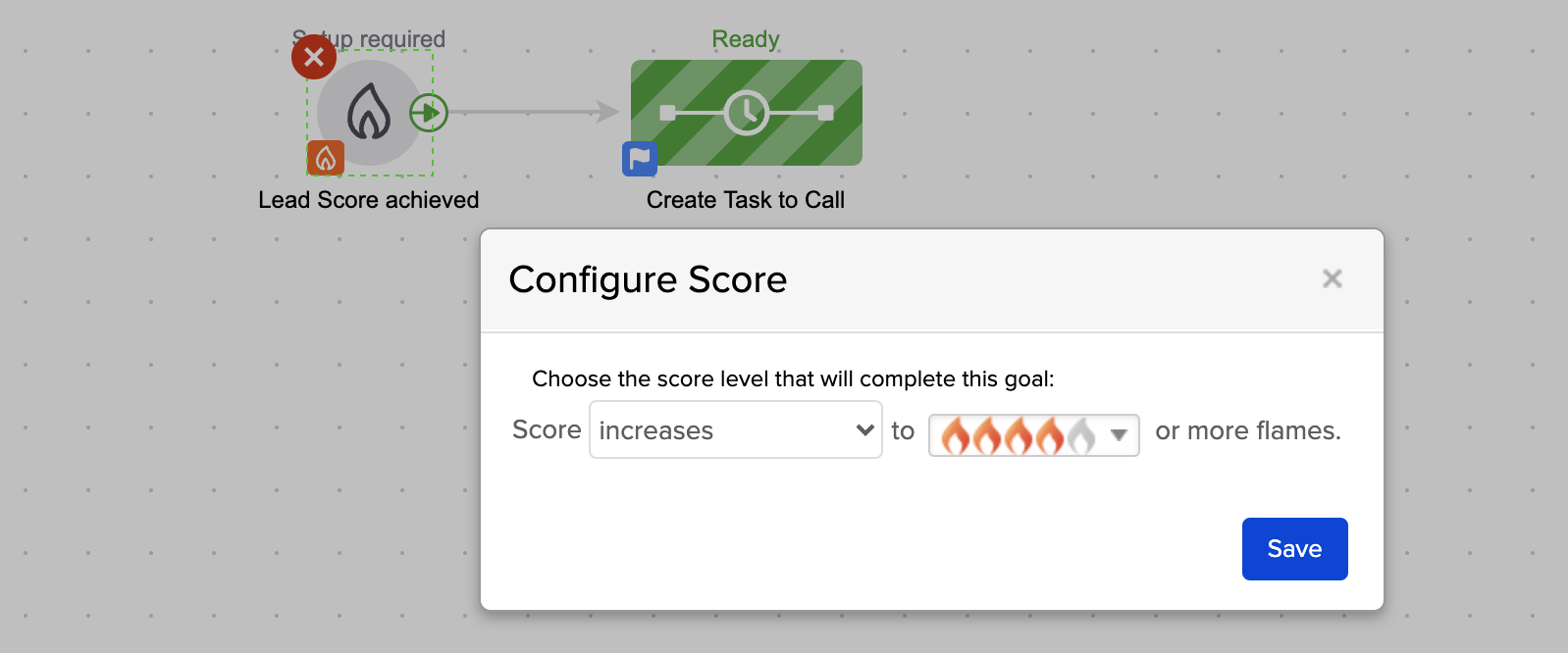
Or if you want to automatically start or stop automation based on the way someone does (or doesn’t) engage with your emails, then Lead Scoring might be the answer.

Keap Lead Score Goal

There are myriad scenarios where Lead Scoring solves real world problems – but whether or not it’s a fit for your business is going to depend on your specific set of circumstances.

But if you do decide to use it…

How do I use Lead Scoring?

If you decide it sounds interesting, or even if you’re interested-but-not-quite-sure, the next step would be to set up the initial set of criteria that the Lead Scoring feature will use to evaluate the contacts in your database.

The beauty of that is that the algorithm starts running right away, and in a matter of a few hours you’ll have a new layer of information regarding the prospects in your app.

Where do I learn more?

The Keap Academy platform features a quick mini course all about Lead Scoring, covering the how you can set it up for your business, and the different ways to start using it right away.

Multi Channel Tracking and Course Consumption Reporting

Multi Channel Tracking and Course Consumption Reporting

If you’re a brand new Keap user, or are easily overwhelmed – then this one isn’t where you should start.

But if you’re an advanced user, or you just want to see a complex configuration that solves a handful of challenges, feel free to dig in.

This video breaks down the set-up we used to track leads from multiple channels through a single opt-in, and then map their consumption with a handful of online courses back to a singular reporting doc so that we can tell not only which of our contacts are most engaged, but also which of our channels are most productive.

In this video we’ll dig into LeadSource tracking, Referral Partner Tracking, Course Consumption reporting, and the use of Zapier and PlusThis to integrate multiple systems and trigger automation based on video engagement.

Enjoy.

Now, as a reminder – this video breaks down the solution we used for our specific scenario – but I know your needs may be different.

The tactics in this video aren’t dependent on one another – you can use the channel tracking or the partner attribution on their own, or the course consumption reporting without the other aspects.

And, of course, this process uses the campaign builder fairly heavily – if you want training on that part of Keap, check out the Advanced Automation Complete Collection inside the Keap Academy platform.

Questions or feedback about this demo, drop a comment below – thanks for watching.

How (and why) to use the Groups block in your Keap Emails

How (and why) to use the Groups block in your Keap Emails

I’ll get right to the point – you know how when you build emails in Keap you have a bunch of little widgets to use, right?

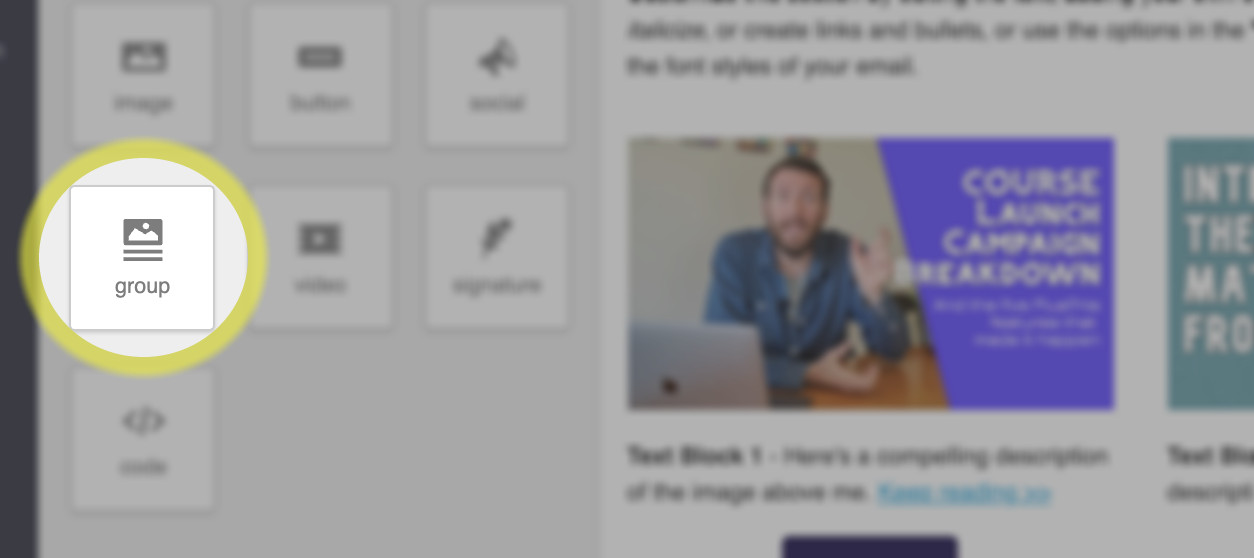
Have you used this ‘groups’ block?

Keap Groups Block

If you haven’t noticed that feature, or have never used it in your Keap emails then don’t be too hard on yourself, you’re in good company.

In fact, I’m going to pick on the very fine folks from PlusThis to show you an example of why this feature is so important:

All kidding aside – the PlusThis peeps are world class at what they do, and this certainly isn’t a ‘big’ mistake.

But I think it’s more common than people realize.

If you don’t know how this groups block works, then you wouldn’t know when to reach for it – and so you could inadvertently be sending emails with confusing mobile formatting.

The groups block is the solution – it allows you to ‘group’ certain elements together, so that their order won’t change when the email switches from desktop to mobile formatting.

Lemme show you a more detailed example of how you can use this.

So that’s it – that’s the groups block.

This is one of those useful features that flies under the radar because plenty of people don’t know they’ve having the problem that it solves.

If you found this useful please feel free drop a comment below. Thanks for reading.