The Otherwise Hack [for Decision Diamonds in Keap]

The Otherwise Hack [for Decision Diamonds in Keap]

So, the Decision Diamond in Keap is a hyper valuable segmentation tool.

It lets us branch contacts into different paths so that we can tailor the automation we design to feel more targeted, and more personal.

(More on that here)

And Keap has, wisely, added a default setting so you can choose one of your existing sequences to send them to if they don’t meet the criteria for any of your rules.
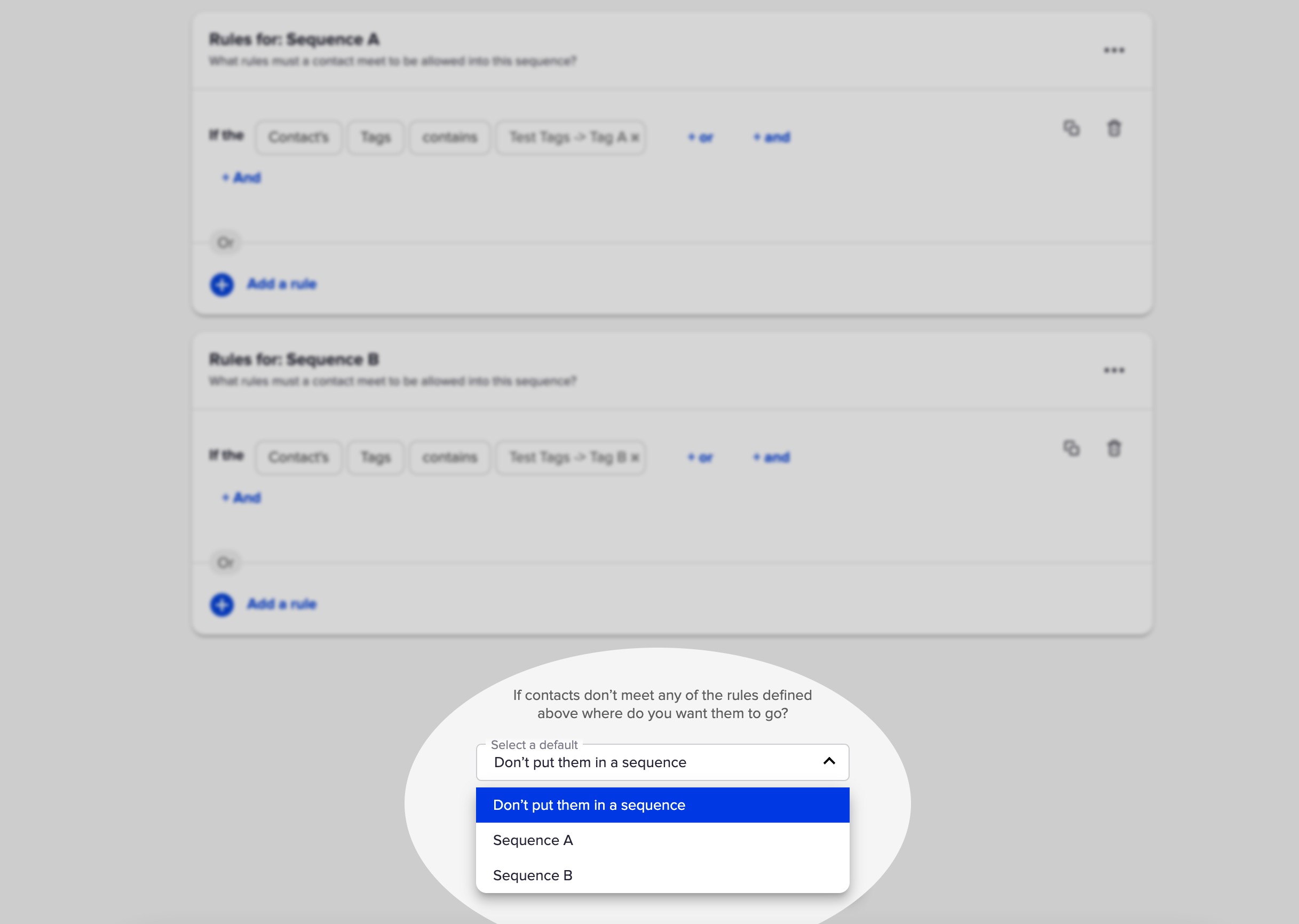
Decision Diamond in Keap

But the challenge with this well-meaning feature is that it only lets you select from the two sequences that have rules.

So what if you want to send the contact somewhere else?

Well, you’d have to add a third sequence.
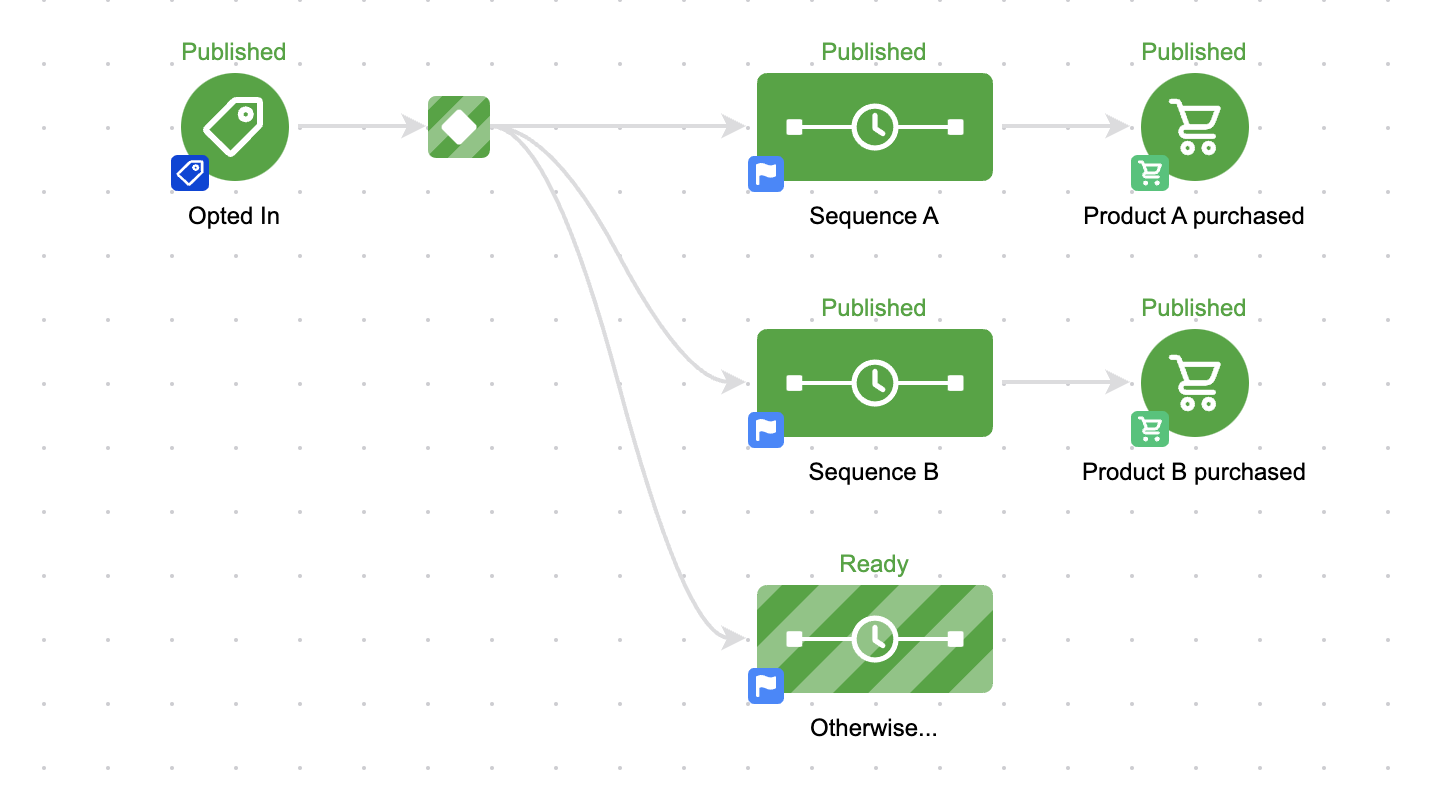
otherwise sequence in keap

That seems easy enough, but it presents a problem.

The Problem

Well, by default a sequence is open to anyone, right?

So unless we set up rules – all contacts will wind up going into that third sequence.
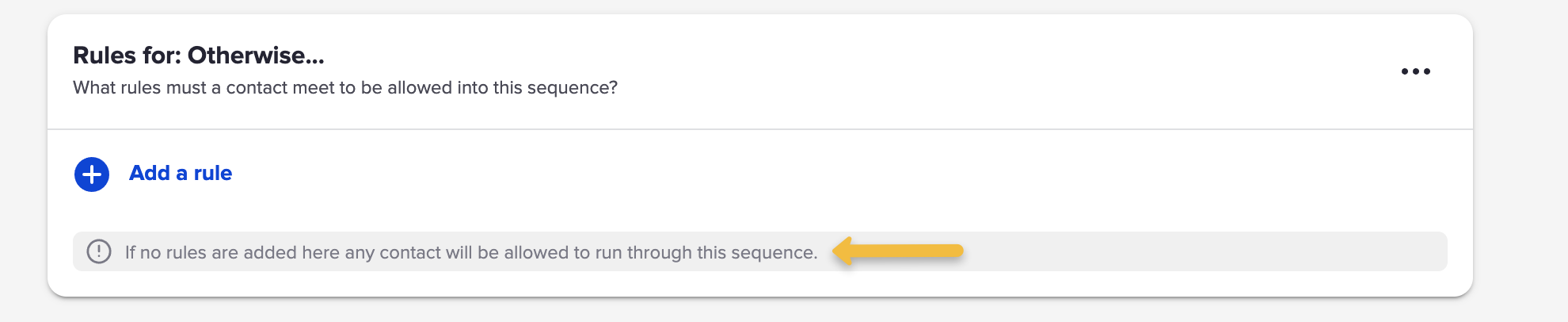
otherwise rule decision diamond

So that means we need to add rules.

And if this is the ‘otherwise’ sequence, meaning they go here when they don’t meet the other rules – then we’d need to build out the opposite of the rules for Sequence A and B.

And that’s fine if the rules are simple.

But what if the rules are more complex?
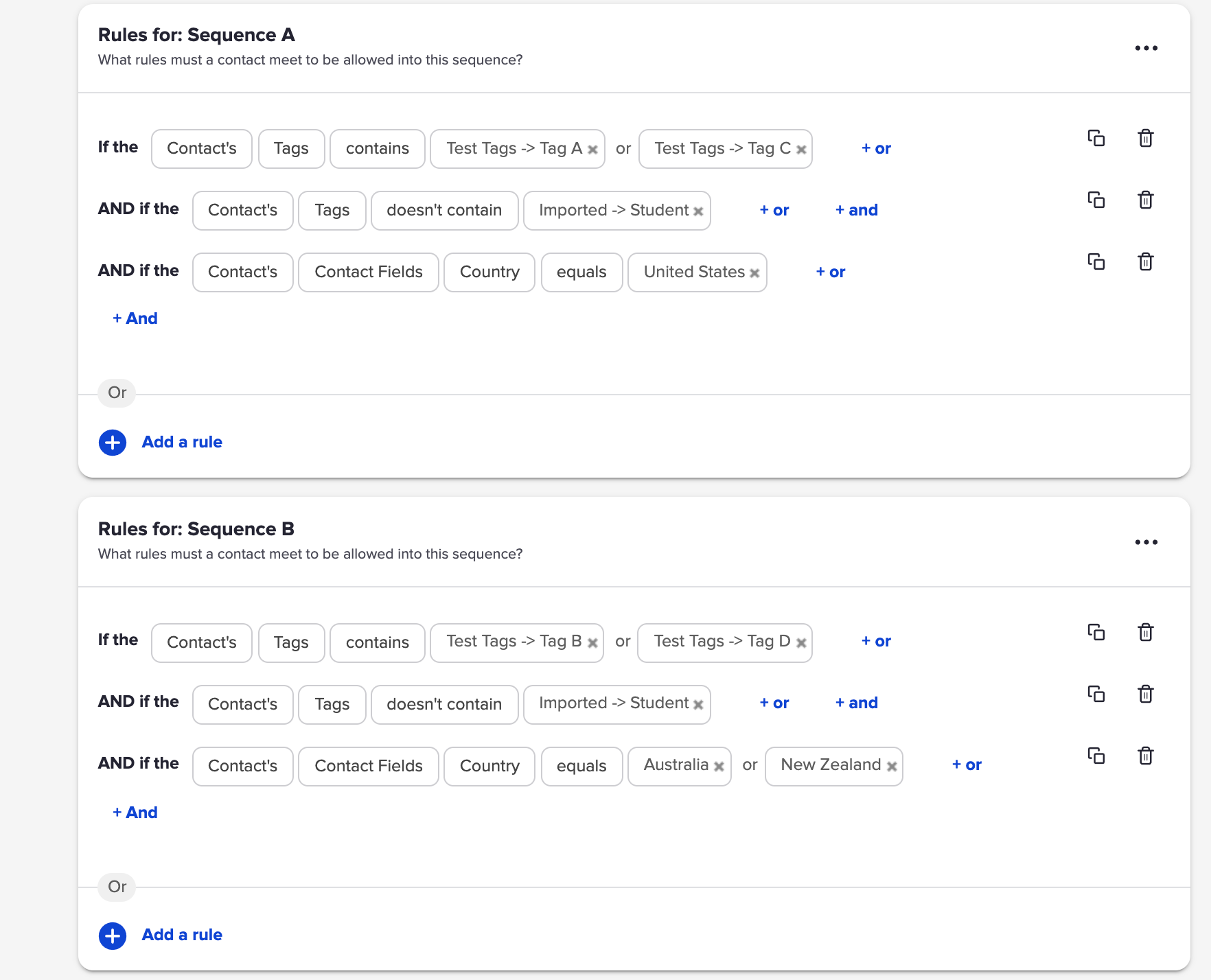
complex decision diamond rules

That would be exhausting to rebuild – and complicated to invert.

The Solution

So, Scott Richins, one of the world class OG Infusionsoft Experts came up with a super clever (and relatively simple) hack to solve this.

Check it out:

If you find yourself building lots of campaigns, or managing complex decision diamonds, then tuck this hack in your bag o’ tricks.

Massive props to Scott for sharing this approach, and for the countless other things he’s taught me over the years.
Real World Dynamic Content Use Case

Real World Dynamic Content Use Case

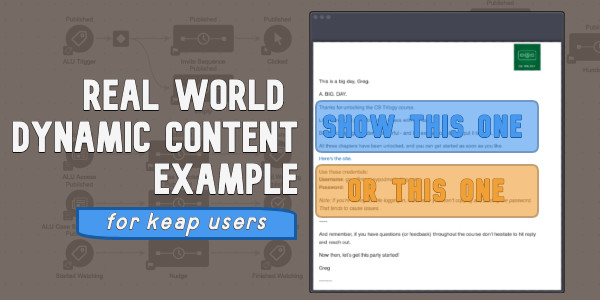
This blog post covers a situation where I quickly set up V1 of an automation and then a Keap user (shout out to Sue) helped highlight an obvious opportunity to improve it using Keap’s dynamic content feature.

Here’s the Context

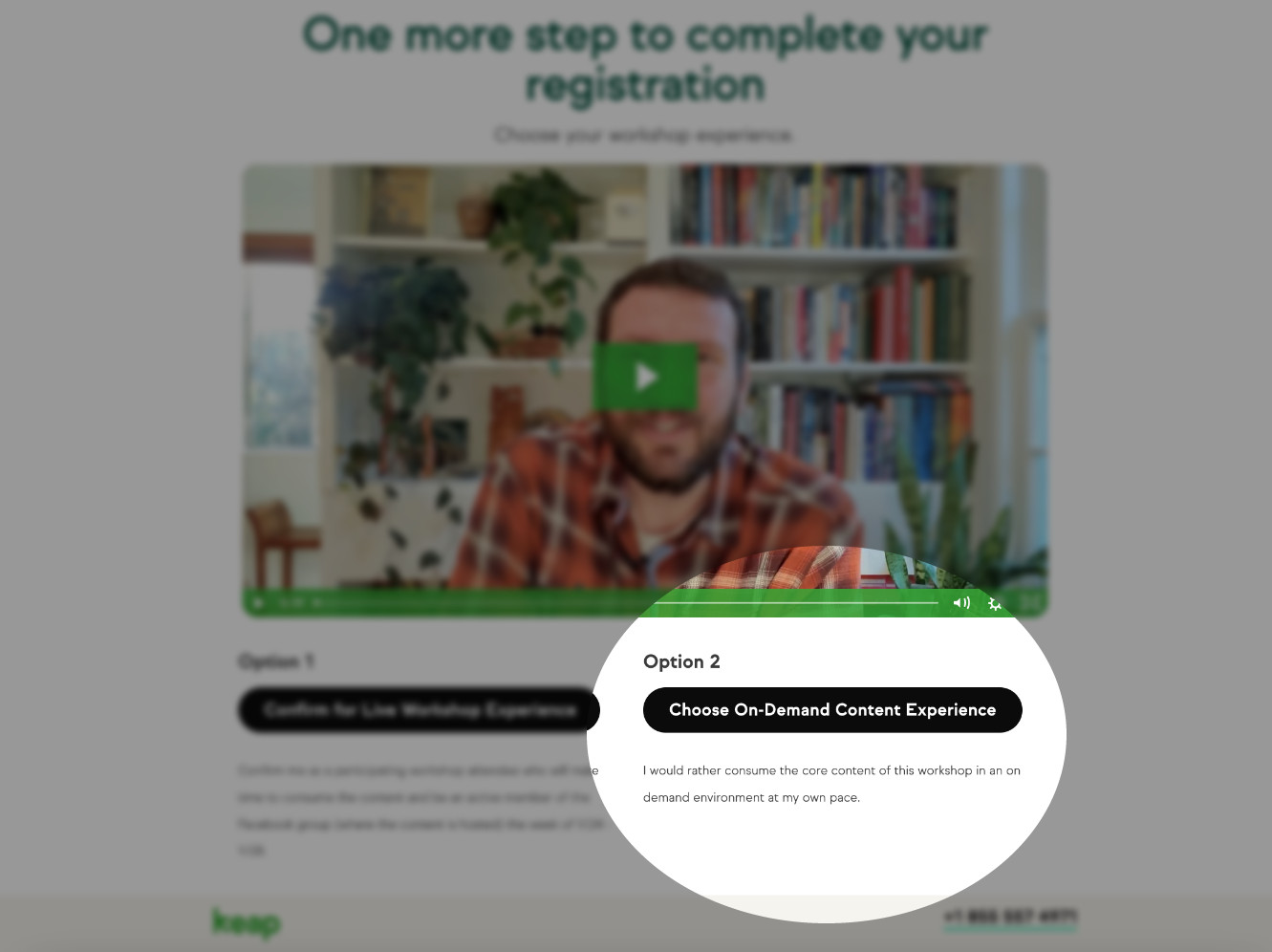
Keap Academy is hosting a workshop soon (details here), and after registering we offer the choice to join the workshop in real time, or get the same content in a self-paced on-demand type environment.

thank you page screenshot

In either case the registrant will get access to the CB Trilogy course – but for those who choose the self-paced option, their info is added to Keap and their contact is tagged so the automation can create their access and deliver their login credentials via email.

And since I already had that process set up in Keap, all I needed to do was add an entry point and new contacts would join the already functioning fulfillment automation.

Bing, bang, boom – we’re off to the races, right?

Sort of – the mistake I made in this process was that I didn’t modify the email to reflect how the person registered.

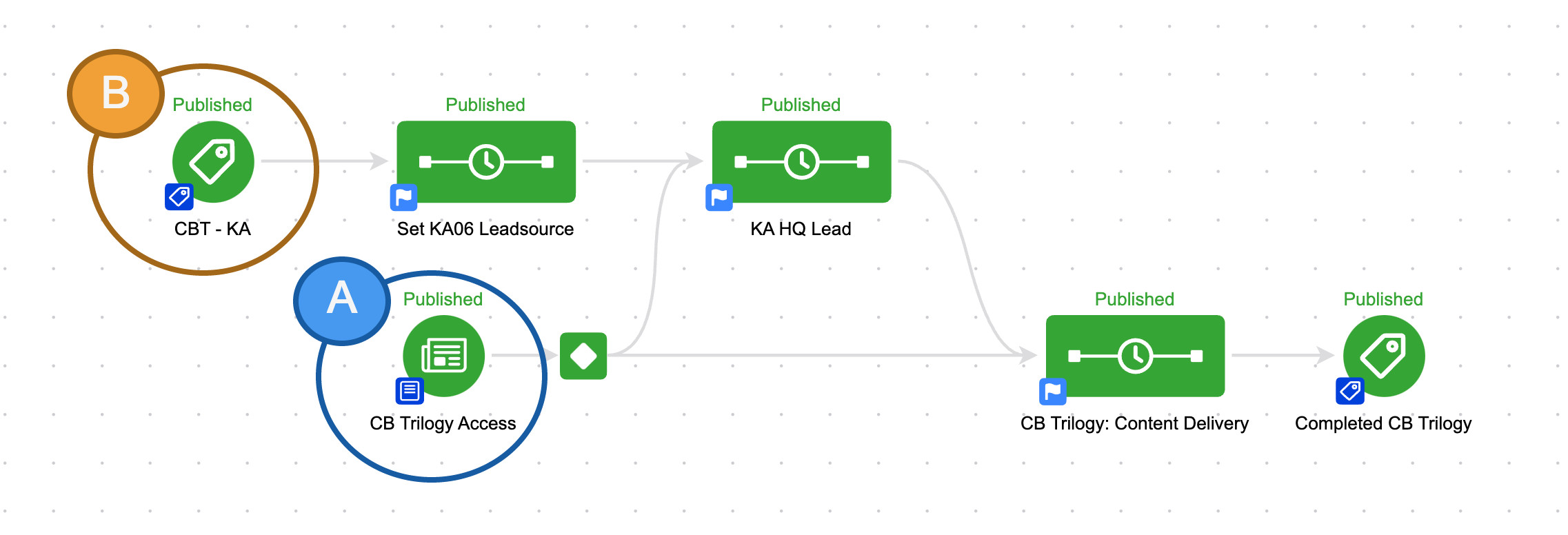
I had two entry points coming into the same campaign, but I was treating everyone the same.

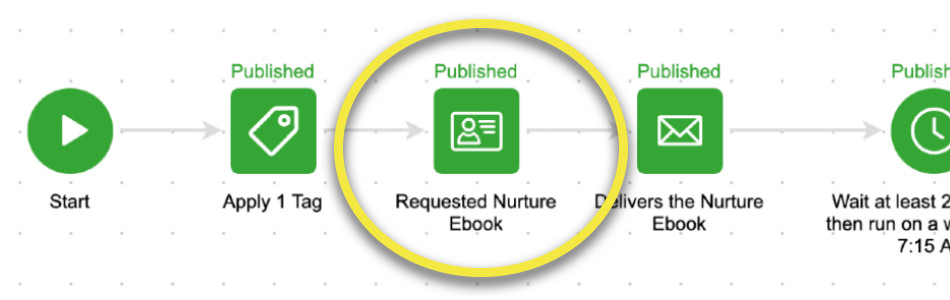
keap campaign structure

So if you signed up for the CB Trilogy course directly, you’d get access.

But if you signed up for the self-paced workshop – you’d get the exact same email.

The Problem

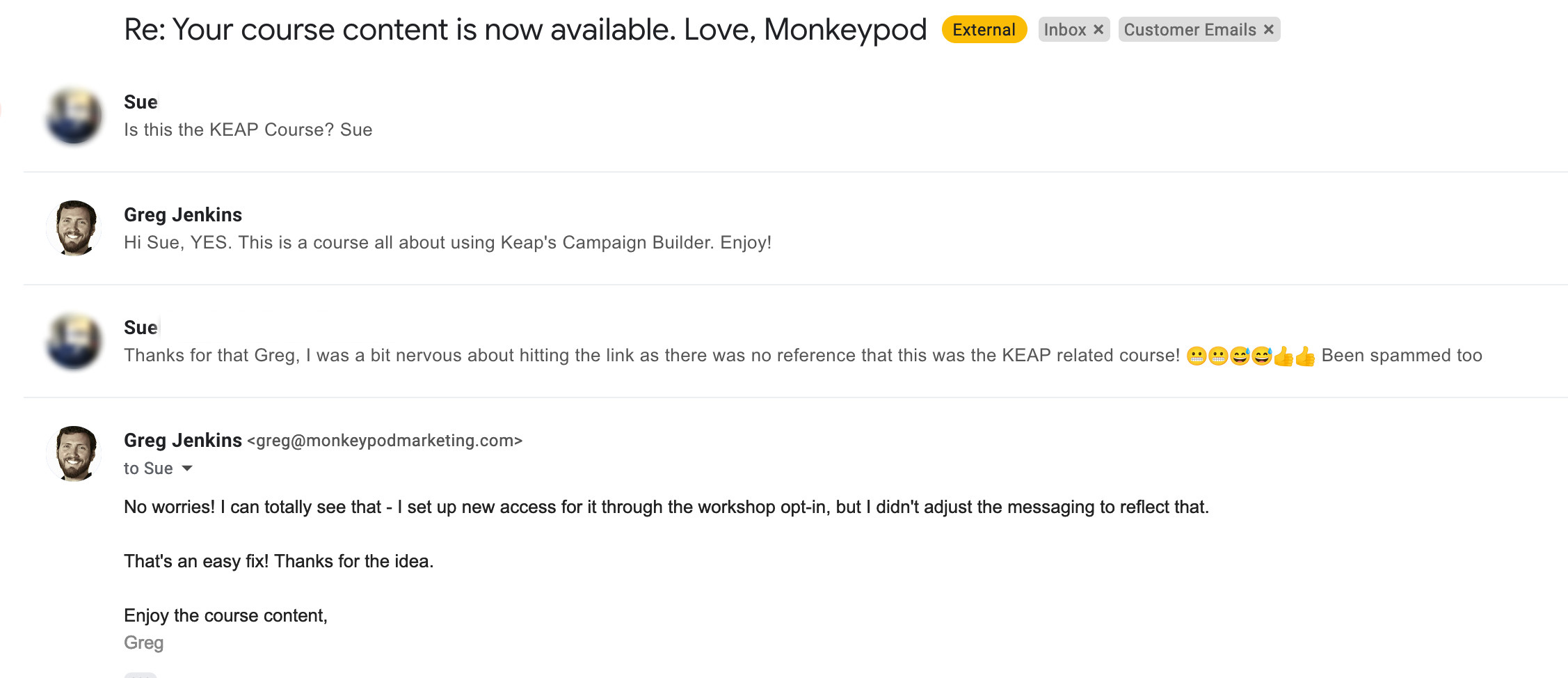
This presented a problem, because customers signing up for the on-demand workshop didn’t necessarily know they’d be getting this course – and they may not have even heard of Monkeypod.

This disconnect was causing some confusion.

email inbox edited

I can’t blame Sue one bit – if you didn’t know you were getting a course from some guy named Greg then this first email could definitely seem fishy.

The Solution

Once I thought about it, the answer felt obvious – dynamic content.

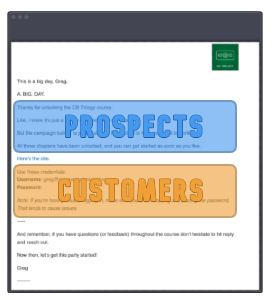
Dynamic content is a Keap feature that lets you hide and reveal different parts of an email based on what you know about the recipient.

Like, whether they’re a prospect or a customer.

Email options a or b

(Or whether they registered for the live event, or chose the on-demand option.)

So, I knew I could use dynamic content to adjust the initial access email based on how someone registered:

If you haven’t explored Dynamic Content yet – it’s time.

This is a massively powerful feature with unlimited application.

Here are a few resources to help you get started:

Thanks for reading – if you have any questions drop em in the comments below.

Monthly Loop Campaign

Monthly Loop Campaign

There are plenty of scenarios in business where you want something to happen on a recurring basis – and we’ve covered the fundamentals of looping campaigns in Keap, but today I wanted to share a twist on this for a looping monthly fulfillment process.

So, for context, the scenario is this: Let’s say there’s a membership group, and each month we want to send the members something (it could be access to content, or a physical gift box, etc).

But the twist here is that we want to automatically exclude anyone who either a) cancels or b) misses a payment, and lets their account fall out of good standing.

This video breaks down a campaign that you can use for this process, and dynamically sort out the folks who shouldn’t be eligible:

Now obviously this is a fairly specific use case – but this concept, and the corresponding Keap campaign could easily be adapted for serving prospects (like creating a custom ‘call’ list), or modified to loop at a different pace (weekly, quarterly, etc).

if you found this useful, have questions, or ideas for where it might fit in your business – drop a comment below.

Thanks for reading.

Dynamic Global Merge Fields

Dynamic Global Merge Fields

You can write your Keap emails in whatever language makes the most sense – right?

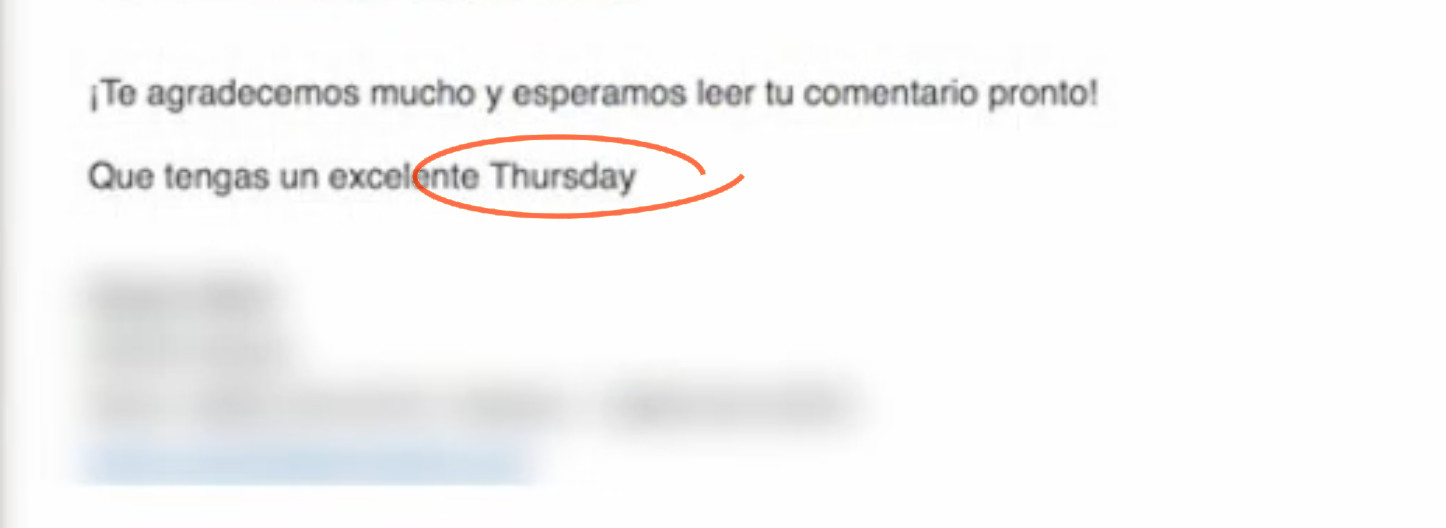
But if you want to use the date merge fields to personalize your content, then when it merges in the month (or the day of the week), it can disrupt the whole message.

day of week language

That’s not exactly gonna fly.

It begs the question, how do I create custom date merge fields for any language?

Multilingual Merge Fields

Well, the native date merge fields merge in English, but I saw a possible clever solution posted in a group – and it sparked an idea.

If you can dedicate a custom field to ‘day of the week’, you could use automation to continually update that field in whatever language(s) you deliver your content.

Check it out:

This is a solution to a relatively niche problem, but often times clever workarounds like these can spark ideas for unrelated issues.

If you see utility outside of the specific context offered in the video, I’d love to hear where else this might be valuable.

Thanks for reading!

How to Automatically Mirror Notes between Keap Contacts

How to Automatically Mirror Notes between Keap Contacts

I think notes are one of the most under-appreciated Keap features.

They’re flexible – notes can be applied manually to record an offline interaction, or automatically as a step in a sequence.

Sequence Step Note Applied

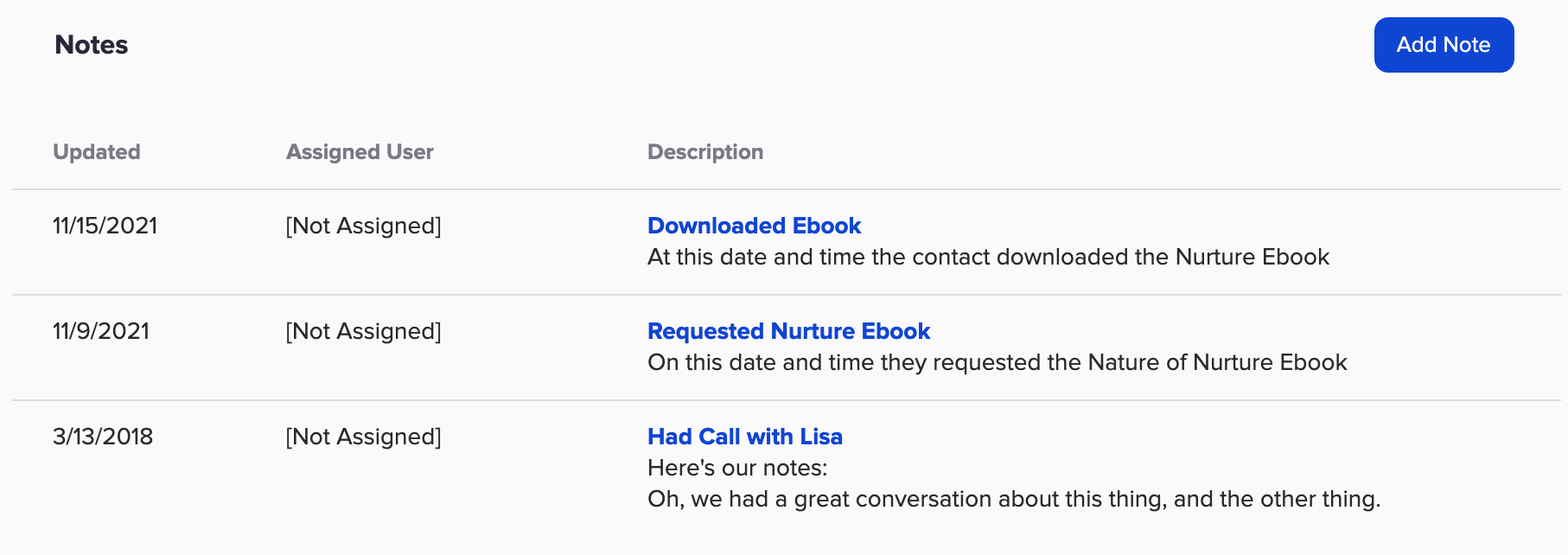
And if you’re diligent about applying notes at key milestones, then the notes section on the contact record can give you a useful timeline of interactions with that contact.

Note HIstory

This is all sound advice – and can help keep contact info current, reduce the need for tags, and create a consolidated history of important milestones right on the contact record.

But, what happens if you have two contacts that are associated with one another?

Can I sync notes between two contacts?

What if you want to automatically sync notes from one to the other?

Like, between two spouses – or two contacts at the same company.

This question came up in the OG members group the other day and while it isn’t possible natively, we did come up with a creative Zapier-based solution.

Check it out:

Notes are an underrated tool – and if you take nothing else away from this blog post I hope you start seeing them as a flexible way to track information.

But, if you have a situation where you need to automatically sync notes (or tasks, or appointments) between two contact records, then hopefully the Zapier solution modeled in this video gives you some ideas.

And speaking of ideas, if you want to see more Zapier use cases, check out this post.

If you found this useful (or have follow up questions), drop a comment below. Thanks for reading.

Single Sequence Unsubscribe [Updated]

Single Sequence Unsubscribe [Updated]

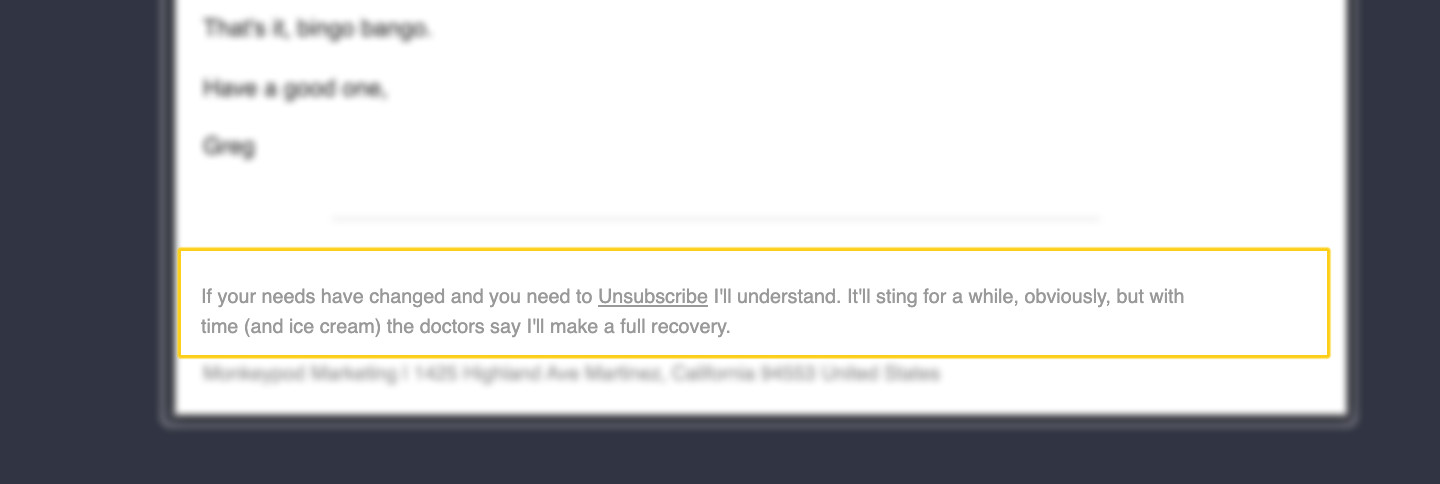
In the footer of every email we send through Keap there is, by default, a global unsubscribe link.

This is generally good, because it let’s contacts unsubscribe when their needs change and they decide they no longer want to hear from us.

Unsubscribe Footer

If someone unsubscribes it changes their email status globally.

But what happens if someone just wants to stop getting emails from one specific sequence?

Or just one campaign? Or one topic?

The reality is the native unsubscribe option just doesn’t have that type of nuance.

Which actually was the origin story for the single sequence opt out blog post I wrote back in 2016.

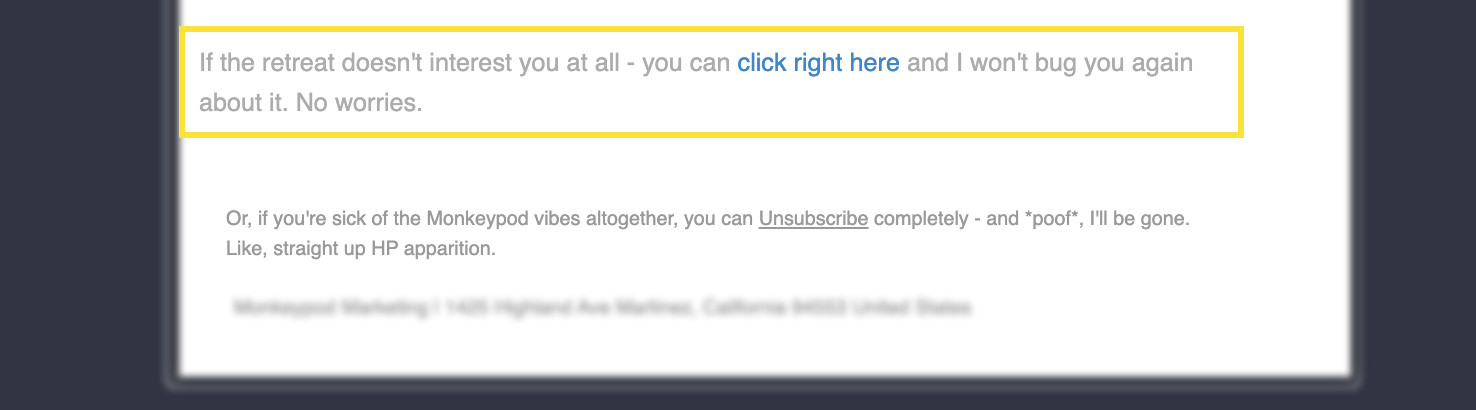
The answer is to build your own links that can function as a short-term unsubscribe – to opt them out of a single sequence or campaign.

Unsubscribe Footer2

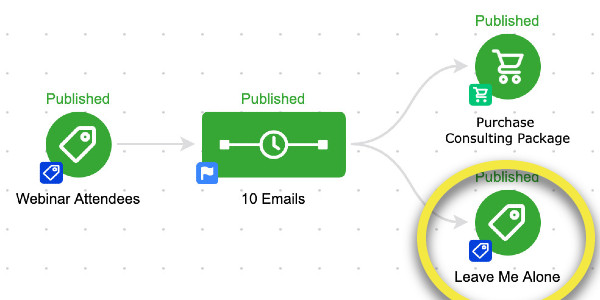
The trick is to have the link click achieve a goal directly, or apply a tag which achieves a goal.

Single Sequence Unsubscribe Campaign

Things have evolved a bit over the years, and actually, PlusThis has introduced a solution to this as well.

But I figured it was time to dust off this old tactic and give it the glow up it deserves.

Enjoy:

Simply put – this approach affords your subscribers more control.

This lets them opt-out of a single sequencing of emails – or out of a single campaign, without unsubscribing entirely.

This is good for a few reasons – it means your messages are only going to people who want them, which is good for engagement, and in turn can help with deliverability.

But the second reason this is good is because it helps you learn about your audience, and the things that they are interested in – which in turn can help you improve your segmentation, and craft new offers.

And as always, if you want more campaign builder training I recommend the CB Trilogy course – now available free of charge to all Keap users.

PlusThis Solution

If you have PlusThis, then you’ll be pleased to hear they have an Email Subscription Manager tool that handles this situation a little differently.

Their feature lets your recipients manage the types of content they receive.

Here’s their blog post about it.

And if you don’t yet have PlusThis, you can take it for a test drive with a free trial here >>