How to Use Fulfillment Lists in Keap

How to Use Fulfillment Lists in Keap

Keap’s fulfillment lists are a personal favorite of mine – and they’re definitely one of the most underused features inside of the campaign builder.

Or maybe in all of Keap (Max Classic only, I believe).

You know how automation usually happens on an individual by individual basis?

Like, if 100 people enter a sequence, there will be 100 emails sent (one to each) or 100 tags applied (one to each) or 100 tasks created (one for each), right?

Well, fulfillment lists allow you to batch those contacts together, and process them as a group.

When would you want this?

Good question – it’s for instances where you want to receive a list of the people who hit that step – like, a list of event attendees on the morning of your event (so you can print name badges).

There’s no need to receive 100 different notifiations, you can just get a single spreadsheet of those people sent directly to you.

Or, a list of people who you need to ship books to, or a list of questions you’ve received in preparation for a presentation, etc.
keap fulfillment list

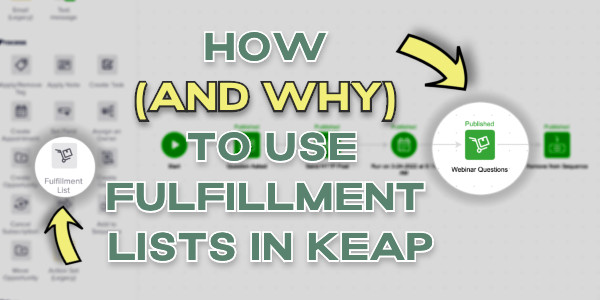
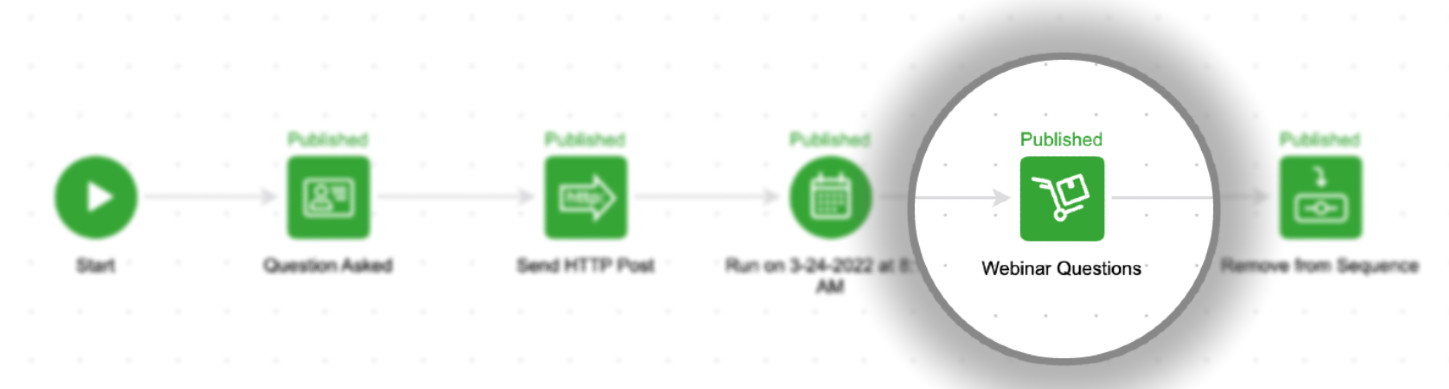
Just look for the fulfillment list item in the processes section inside of a sequence.

The use cases go on and on, but the solution for each is Fulfillment Lists. This video demonstrates how you can set it up.

So that’s fulfillment lists in a nutshell – do you have an obvious use case for them in your business?

For more training on Keap’s campaign builder, check out these resources:

Campaign Builder 101 [Blog Post]
CB Trilogy [Virtual Course]

As you’ve probably heard me say, I believe the campaign builder is the most powerful tool on the planet for small businesses.
How to Split Up Complex Campaigns

How to Split Up Complex Campaigns

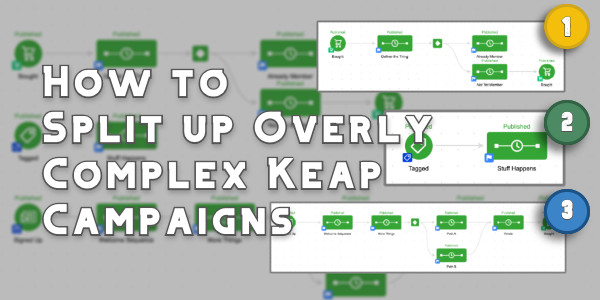
This blog post addresses a fairly specific Keap question about a relatively advanced scenario:

“How do I up split a complex campaign?”

It was prompted by a question Steven, an OG Member, asked yesterday when he realized the campaign he’d built had spiraled a bit out of control.

complex keap campaign

Is the campaign functional? Sure.

But it’s cumbersome – and when a campaign is that big it has a number of drawbacks; it’s harder to manage, to modify, and to report on.

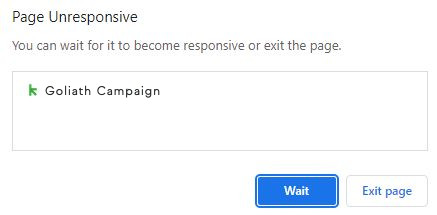
And it takes forever to load (ever seen this horror show?).

campaign loading issue

So, the answer is to generally build your campaigns in smaller more modularized structures, as Mike advises here.

And then chain those structures together, like this.

Great advice – but it doesn’t help Steven (or anyone who has an unruly campaign).

How do I break up a big Keap campaign?

But if you have an existing campaign that you want to divide into smaller campaigns you can – but there are some considerations.

First, you’ll want to decide what you want to happen to the contacts who are already in the automation.

And second, you’ll want to pay close attention to the functioning goals – some goal methods live in a singular campaign, and can’t easily be moved.

In this video I’ll show you the various ways to divide up a bloated campaign, and talk through those considerations as well.

So there you have it – now you (or Steven) have a process you can follow for making your goliath campaign more manageable.

And, in case this all feels a little advanced – here are two resources I recommend to keep exercising those campaign builder muscles:

Campaign Builder 101 [Blog Post]
CB Trilogy [Virtual Course]

The campaign builder is Keap’s automation engine – understanding how to harness this tool is the key to multiplying the ROI you get from Keap every month,

How to Trigger Automation on Two Contacts

How to Trigger Automation on Two Contacts

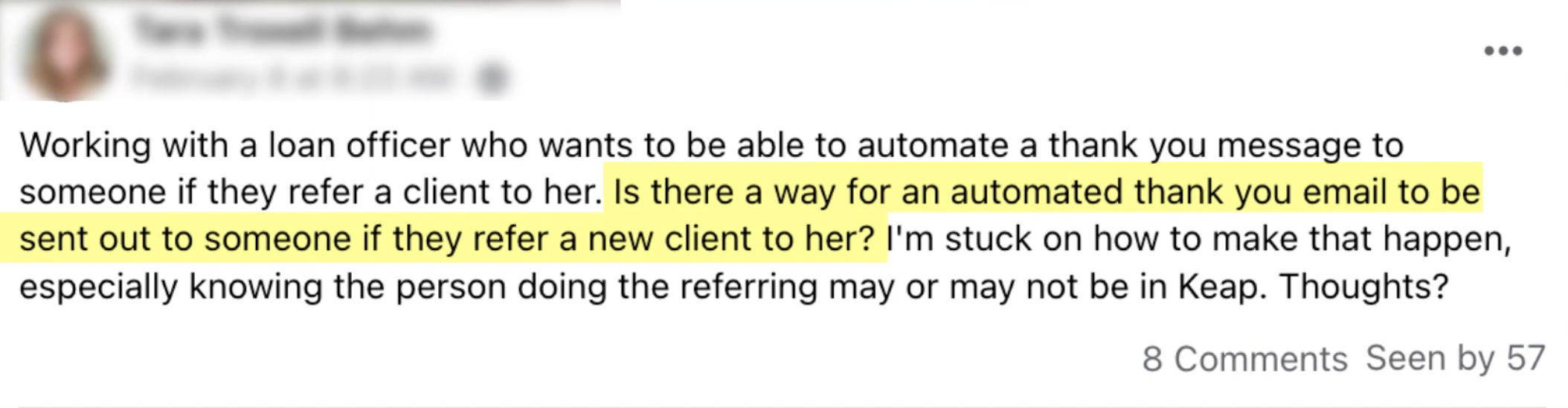
We had an interesting question pop up in the Monkeypod community the other day: How do I automatically send a thank you message when I receive a referral?

Automation on two contacts

This concept sounds straightforward, but it breaks the normal logic for how automation inside Keap works.

Generally we have automation happen on an individual basis – when someone does something, then this other thing happens to them as a result.

But, in this case, we need to be able to send a thank you to Person A when they refer Person B; which makes things a little trickier.

How can we do it?

There are effectively two ways to do it, a simple native way, and a more robust method that involves the Contact Creator tool from PlusThis.

In this video I’ll show you both, and call out the pros and cons for each.

So, the situation in this video is fairly specific to Tara’s question – but there are plenty of use cases where this type of functionality might be useful.

We outlined two methods for solving this, the first was totally native, and the second option uses PlusThis.

If you don’t yet use PlusThis you can start a free trial here.

Thanks for reading – hope you found this valuable. Please feel free to drop any comments or questions below.

Have your own questions?

If you would benefit from a place to ask automation questions when you get stuck, and get ideas and inspiration from other businesses, you can join us in the Monkeypod Membership.

The Otherwise Hack [for Decision Diamonds in Keap]

The Otherwise Hack [for Decision Diamonds in Keap]

So, the Decision Diamond in Keap is a hyper valuable segmentation tool.

It lets us branch contacts into different paths so that we can tailor the automation we design to feel more targeted, and more personal.

(More on that here)

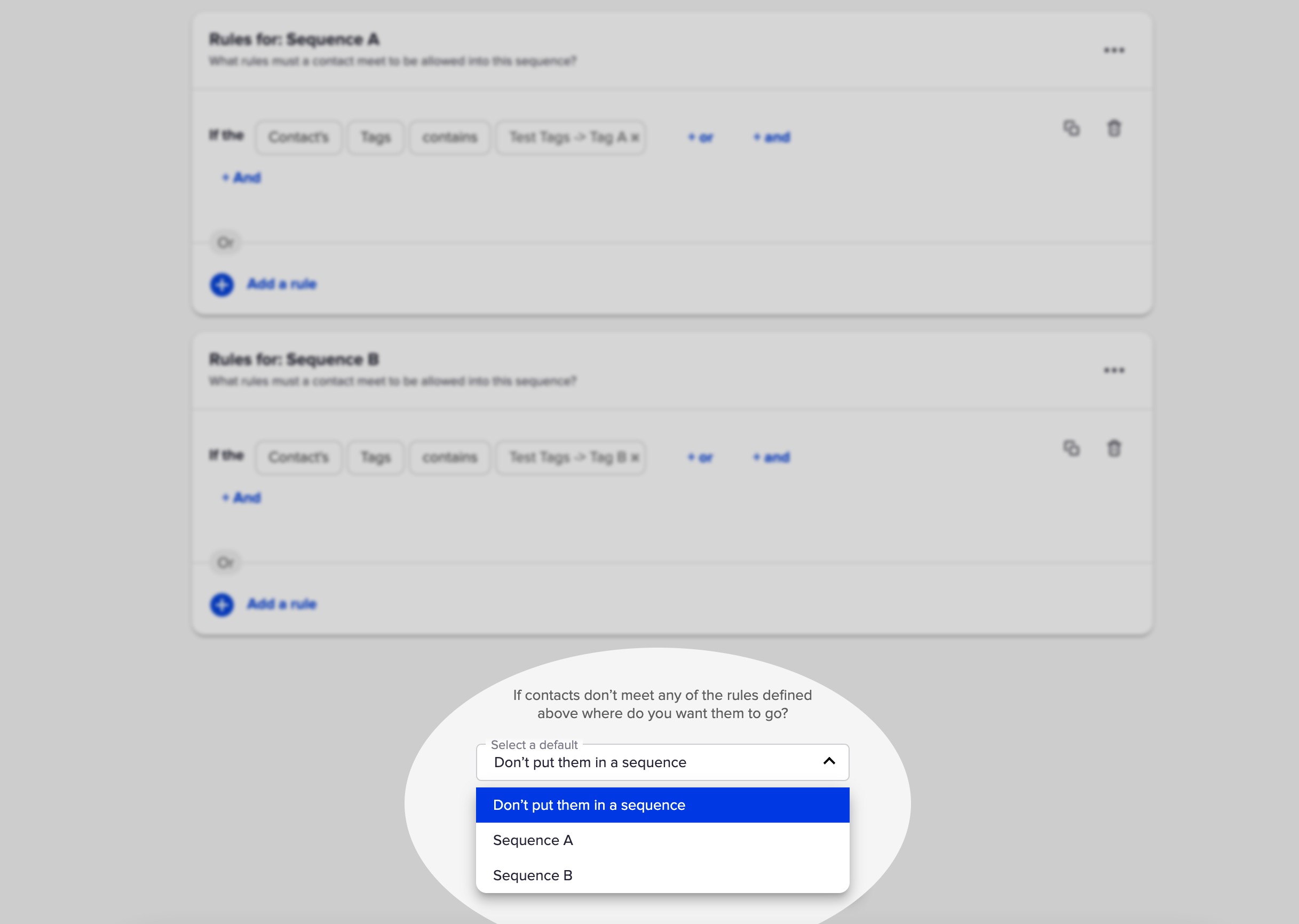
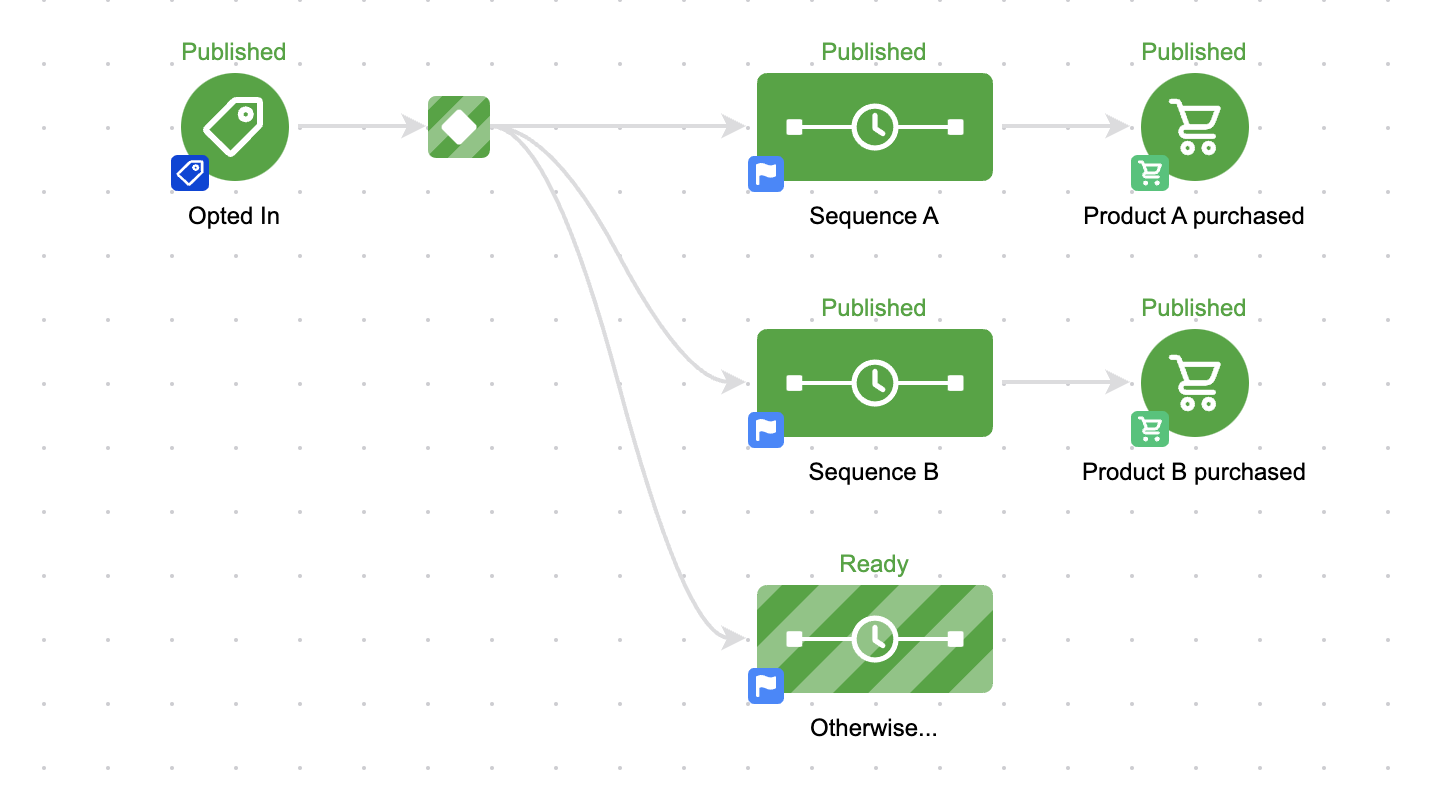
And Keap has, wisely, added a default setting so you can choose one of your existing sequences to send them to if they don’t meet the criteria for any of your rules.

Decision Diamond in Keap

But the challenge with this well-meaning feature is that it only lets you select from the two sequences that have rules.

So what if you want to send the contact somewhere else?

Well, you’d have to add a third sequence.

otherwise sequence in keap

That seems easy enough, but it presents a problem.

The Problem

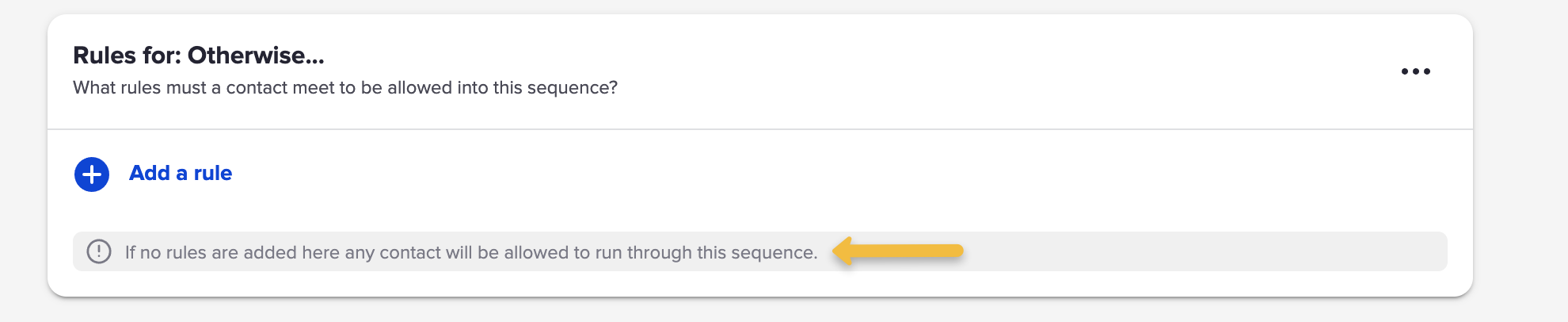
Well, by default a sequence is open to anyone, right?

So unless we set up rules – all contacts will wind up going into that third sequence.

otherwise rule decision diamond

So that means we need to add rules.

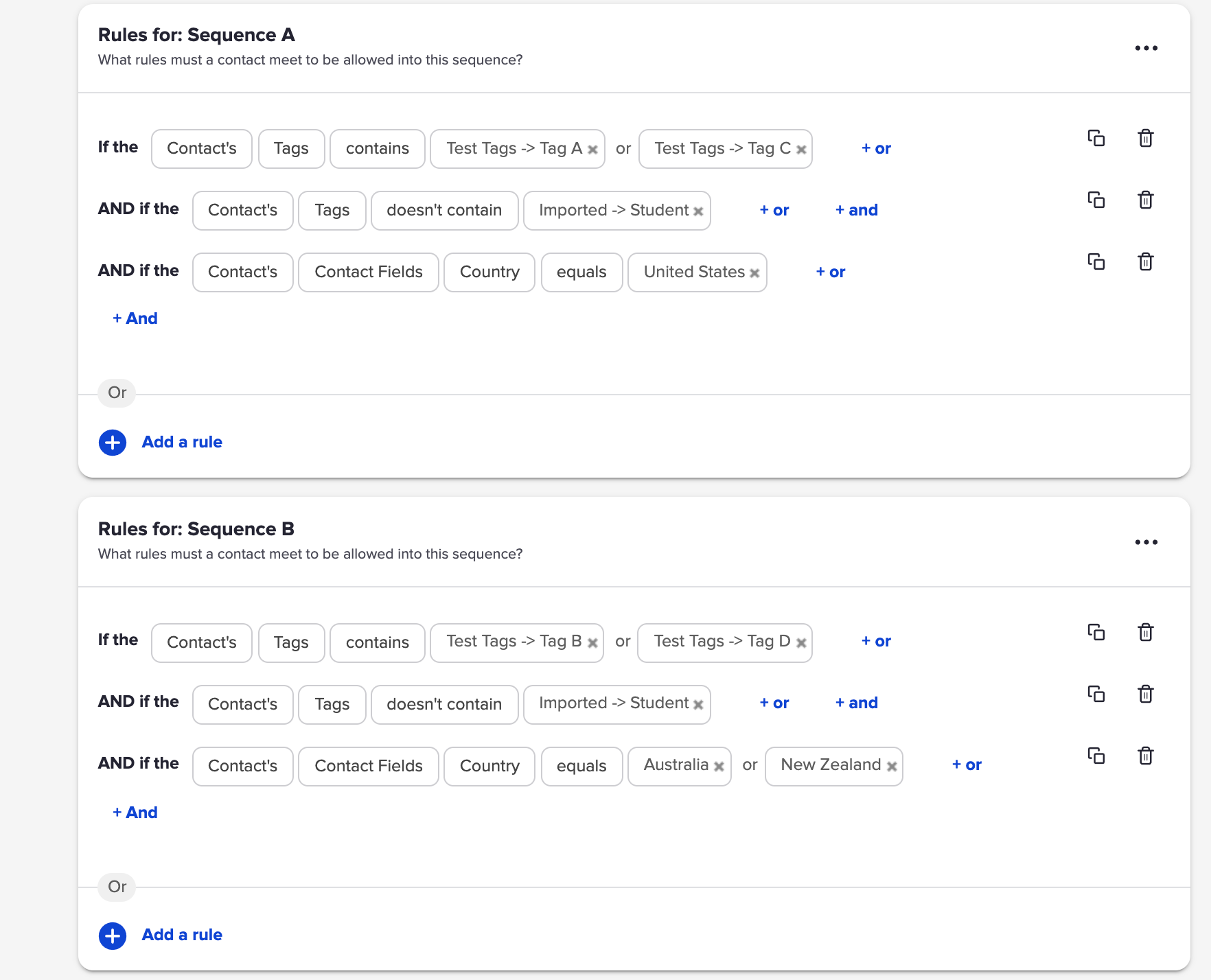
And if this is the ‘otherwise’ sequence, meaning they go here when they don’t meet the other rules – then we’d need to build out the opposite of the rules for Sequence A and B.

And that’s fine if the rules are simple.

But what if the rules are more complex?

complex decision diamond rules

That would be exhausting to rebuild – and complicated to invert.

The Solution

So, Scott Richins, one of the world class OG Infusionsoft Experts came up with a super clever (and relatively simple) hack to solve this.

Check it out:

If you find yourself building lots of campaigns, or managing complex decision diamonds, then tuck this hack in your bag o’ tricks.

Massive props to Scott for sharing this approach, and for the countless other things he’s taught me over the years.

Real World Dynamic Content Use Case

Real World Dynamic Content Use Case

This blog post covers a situation where I quickly set up V1 of an automation and then a Keap user (shout out to Sue) helped highlight an obvious opportunity to improve it using Keap’s dynamic content feature.

Here’s the Context

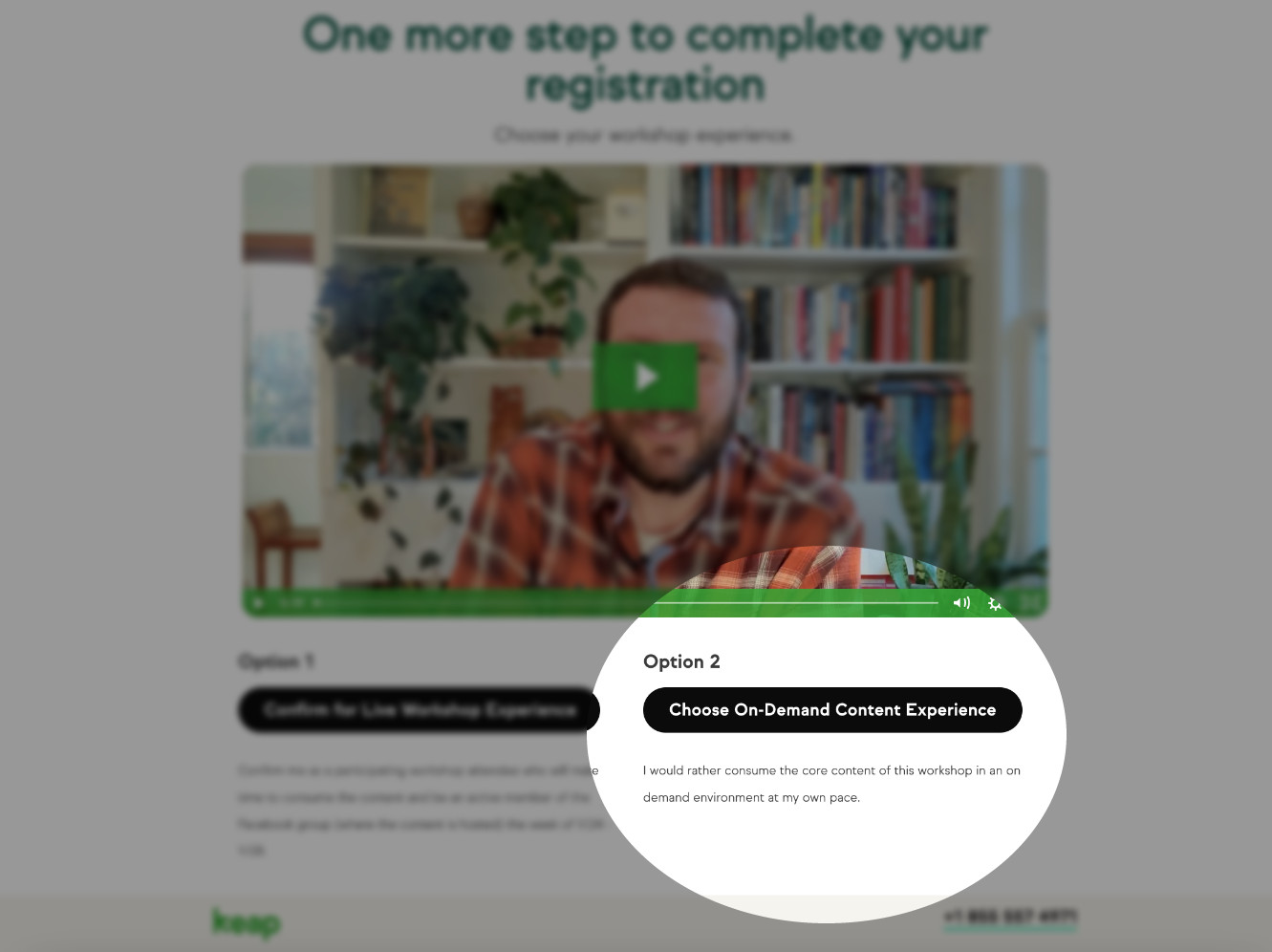
Keap Academy is hosting a workshop soon (details here), and after registering we offer the choice to join the workshop in real time, or get the same content in a self-paced on-demand type environment.

thank you page screenshot

In either case the registrant will get access to the CB Trilogy course – but for those who choose the self-paced option, their info is added to Keap and their contact is tagged so the automation can create their access and deliver their login credentials via email.

And since I already had that process set up in Keap, all I needed to do was add an entry point and new contacts would join the already functioning fulfillment automation.

Bing, bang, boom – we’re off to the races, right?

Sort of – the mistake I made in this process was that I didn’t modify the email to reflect how the person registered.

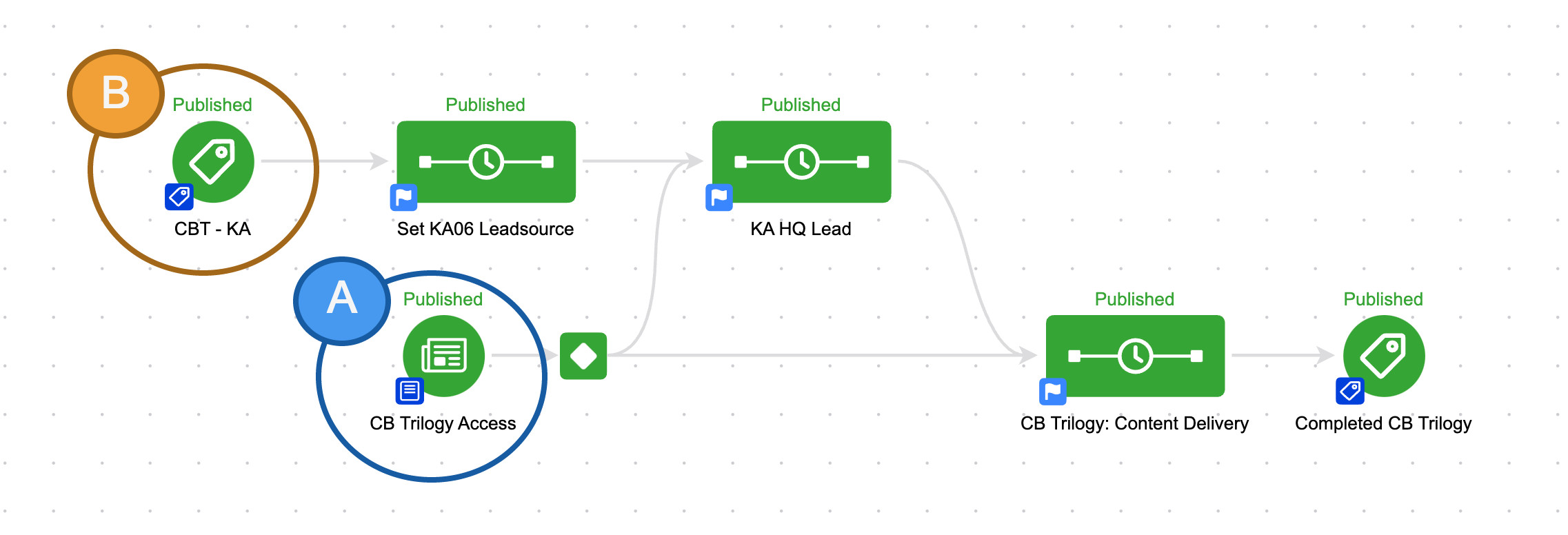
I had two entry points coming into the same campaign, but I was treating everyone the same.

keap campaign structure

So if you signed up for the CB Trilogy course directly, you’d get access.

But if you signed up for the self-paced workshop – you’d get the exact same email.

The Problem

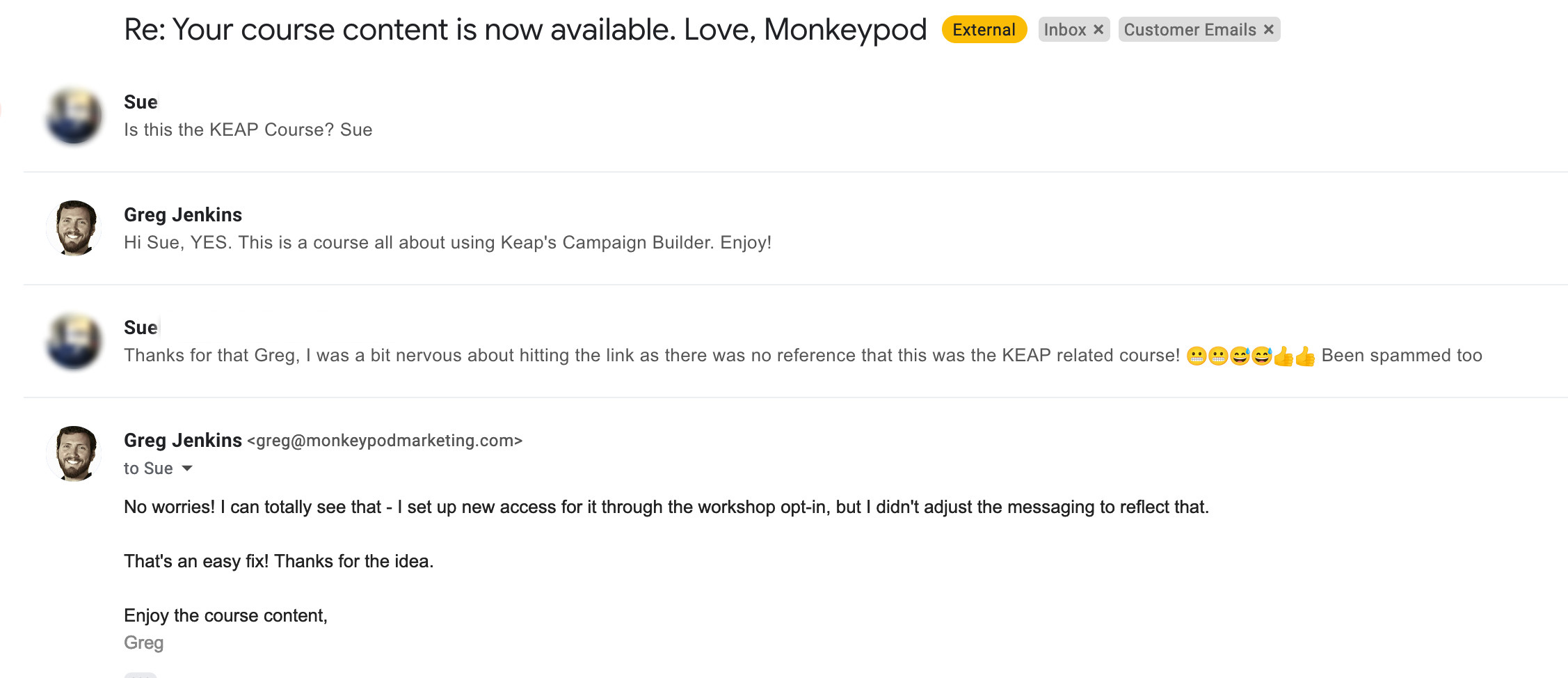
This presented a problem, because customers signing up for the on-demand workshop didn’t necessarily know they’d be getting this course – and they may not have even heard of Monkeypod.

This disconnect was causing some confusion.

email inbox edited

I can’t blame Sue one bit – if you didn’t know you were getting a course from some guy named Greg then this first email could definitely seem fishy.

The Solution

Once I thought about it, the answer felt obvious – dynamic content.

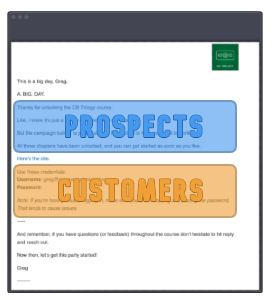
Dynamic content is a Keap feature that lets you hide and reveal different parts of an email based on what you know about the recipient.

Like, whether they’re a prospect or a customer.

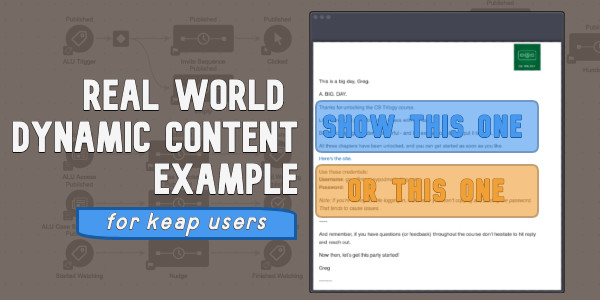
Email options a or b

(Or whether they registered for the live event, or chose the on-demand option.)

So, I knew I could use dynamic content to adjust the initial access email based on how someone registered:

If you haven’t explored Dynamic Content yet – it’s time.

This is a massively powerful feature with unlimited application.

Here are a few resources to help you get started:

Thanks for reading – if you have any questions drop em in the comments below.

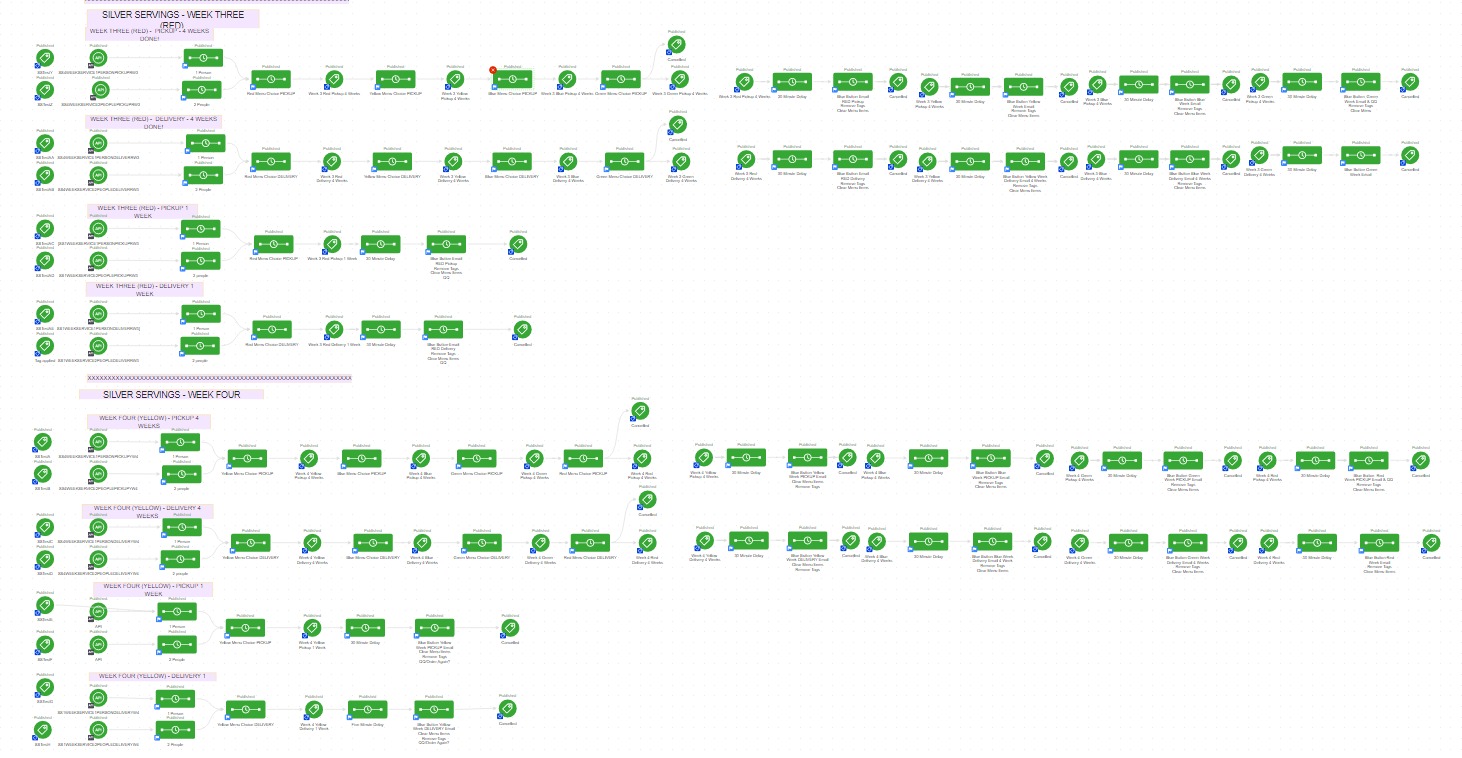
Monthly Loop Campaign

Monthly Loop Campaign

There are plenty of scenarios in business where you want something to happen on a recurring basis – and we’ve covered the fundamentals of looping campaigns in Keap, but today I wanted to share a twist on this for a looping monthly fulfillment process.

So, for context, the scenario is this: Let’s say there’s a membership group, and each month we want to send the members something (it could be access to content, or a physical gift box, etc).

But the twist here is that we want to automatically exclude anyone who either a) cancels or b) misses a payment, and lets their account fall out of good standing.

This video breaks down a campaign that you can use for this process, and dynamically sort out the folks who shouldn’t be eligible:

Now obviously this is a fairly specific use case – but this concept, and the corresponding Keap campaign could easily be adapted for serving prospects (like creating a custom ‘call’ list), or modified to loop at a different pace (weekly, quarterly, etc).

if you found this useful, have questions, or ideas for where it might fit in your business – drop a comment below.

Thanks for reading.