Multi Channel Tracking and Course Consumption Reporting

Multi Channel Tracking and Course Consumption Reporting

If you’re a brand new Keap user, or are easily overwhelmed – then this one isn’t where you should start.

But if you’re an advanced user, or you just want to see a complex configuration that solves a handful of challenges, feel free to dig in.

This video breaks down the set-up we used to track leads from multiple channels through a single opt-in, and then map their consumption with a handful of online courses back to a singular reporting doc so that we can tell not only which of our contacts are most engaged, but also which of our channels are most productive.

In this video we’ll dig into LeadSource tracking, Referral Partner Tracking, Course Consumption reporting, and the use of Zapier and PlusThis to integrate multiple systems and trigger automation based on video engagement.

Enjoy.

Now, as a reminder – this video breaks down the solution we used for our specific scenario – but I know your needs may be different.

The tactics in this video aren’t dependent on one another – you can use the channel tracking or the partner attribution on their own, or the course consumption reporting without the other aspects.

And, of course, this process uses the campaign builder fairly heavily – if you want training on that part of Keap, check out the Advanced Automation Complete Collection inside the Keap Academy platform.

Questions or feedback about this demo, drop a comment below – thanks for watching.

How (and why) to use the Groups block in your Keap Emails

How (and why) to use the Groups block in your Keap Emails

I’ll get right to the point – you know how when you build emails in Keap you have a bunch of little widgets to use, right?

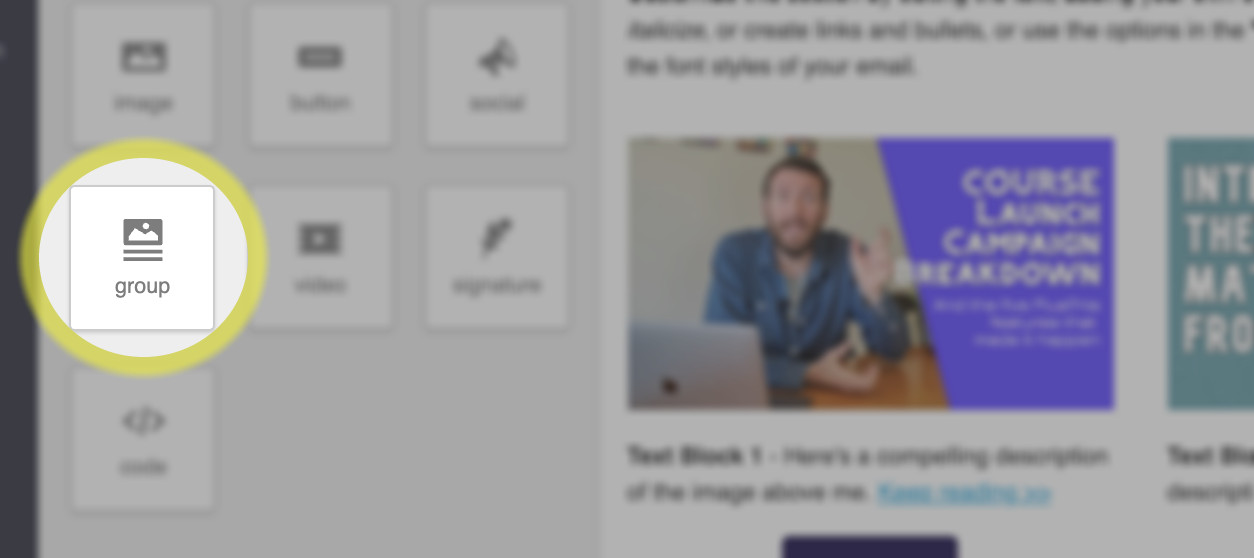
Have you used this ‘groups’ block?

Keap Groups Block

If you haven’t noticed that feature, or have never used it in your Keap emails then don’t be too hard on yourself, you’re in good company.

In fact, I’m going to pick on the very fine folks from PlusThis to show you an example of why this feature is so important:

All kidding aside – the PlusThis peeps are world class at what they do, and this certainly isn’t a ‘big’ mistake.

But I think it’s more common than people realize.

If you don’t know how this groups block works, then you wouldn’t know when to reach for it – and so you could inadvertently be sending emails with confusing mobile formatting.

The groups block is the solution – it allows you to ‘group’ certain elements together, so that their order won’t change when the email switches from desktop to mobile formatting.

Lemme show you a more detailed example of how you can use this.

So that’s it – that’s the groups block.

This is one of those useful features that flies under the radar because plenty of people don’t know they’ve having the problem that it solves.

If you found this useful please feel free drop a comment below. Thanks for reading.

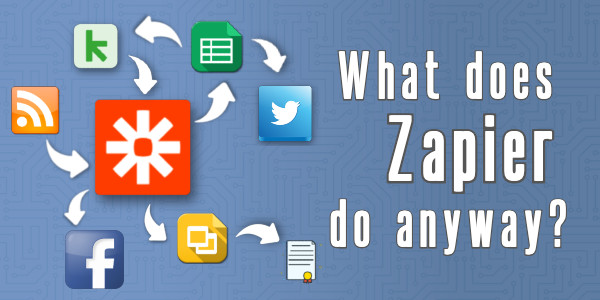
What does Zapier do anyway?

What does Zapier do anyway?

Confession time: I can be kind of a technology laggard.

And I was slow to pick up Zapier – but it wasn’t due to my own resistance.

I knew Zapier was valuable. I had countless friends who depended on it – and time and time again it came up as the answer to seemingly unsolvable challenges.

But something about Zapier’s flexibility made it feel amorphous.

And for that reason, it took me years to really ‘get’ it.

Now it’s a critical part of my tech stack – and an invaluable resource for solving problems.

What does Zapier actually do?

I like to categorize tools – which is part of why I struggled with Zapier’s shapeshifting tendencies.

But if I had to pin it down I’d say it’s primary purpose is passing information between two or more systems.

It’s a connector. It helps tools speak.

Zapier lets Zoom talk to Keap.

It lets Keap talk to Xero.

It passes information from your inbox through to a google spreadsheet.

And so on – the use cases are (maybe literally) infinite.

And it’s that flexibility which can make it feel abstract – so to help contextualize it, I hosted a webinar featuring a panel of my friends, each sharing a real world scenario where they depend on Zapier.

Huge thank you to the panelists, Cameron, Krista, Josh, and Moshe, for generously sharing their Zapier use cases.

In fact, I had two other OG Members who couldn’t join that event, but still wanted to contribute.

Two More Zapier Use Cases

Suzi, PJ, and the HerBusiness team use Zapier to populate an internal slack channel that lets them keep a pulse on important actions their contacts take.

In this one Kat shares how her Music Therapy Ed business uses Zapier to automatically create certificates when their students complete a course.

So it’s just a connector?

Not quite.

Now, you may have noticed earlier that I mentioned Zapier’s primary use case was as a connector.

There are two reasons I framed it that way.

First, because I’ve come to learn that Zapier actually does have some functionality of it’s own.

So you can pass information to Zapier, use it’s native functionality, and then pass it right back.

And the second reason I said primary is because it’s not just a connector.

It can also manipulate the information it’s relaying.

Examples Please

A simple example would be when a new contact is added to Keap, a Zap could be triggered that proper cases their name, turning TED lasso into Ted Lasso.

Or, a more nuanced example, you can set up a Zap to trigger when you publish a new blog post – and you can automatically tweet out a link to the fresh new post.

That would be a simple and direct Zapier recipe – but you could make it a little fancier by adding some custom verbiage to your tweet.

Like, maybe you use Zapier’s formatter function to truncate down the meta description of your blog post (and append an elipisis) so that it fits within Twitter’s allowed number of characters.

I guess the point I’m making is that Zapier is more than a connector – it can modify, or enrich the information it’s conveying.

More Zapier Examples

3 Times Zapier Saved the Day

Here’s a blog post of mine covering a few more examples of situations where Zapier helped us work around a challenge we were facing — Read More >>

Split Testing

Split testing in Keap has never been as straightforward as we might like. But this Zapier recipe allows you to automatically split your Keap contacts into two (or more) groups, which you can then use for running A/B tests in Keap —Read More >>

Certificates with Zapier

That super helpful Zapier Recipe that kat shared earlier was inspired by a blog post of mine (which was originally inspired by Kelsey Bratcher). Here’s a detailed tutorial for setting  it up — Watch Demo >>

Random Rotating GIFs

One time my friend and award winning marketer Brett Fairbourn posed a challenge in the Grove that said “We send an automatic internal celebratory email when new clients sign up – how can I randomize the GIF we use in these emails?”, and wouldn’tcha know it, Zapier came through — Watch demo >>

Listen, I know there’s a lot here – and I’m not anyone to memorize it all and put it to work immediately; but I know how powerful Zapier is.

And I wish I’d understood it earlier.

So my hope is that by having this conversation, and sharing these real world use cases, we can help existing users find new ways to put Zapier to work and turn the Zap-curious into Zap-dabblers as well.

Thanks for reading. Please feel free to share your own Zapier use cases below!

Note: It should be said that I’m not a Zapier affiliate or anything – I have no invested interest in whether or not you use Zapier. I just like it, and believe in it.

25 Subject Lines that get Emails Opened

25 Subject Lines that get Emails Opened

If you are a digital marketer, work in sales, or have any job that requires you to send emails, then you probably know the importance of a good subject line.

It doesn’t matter how good your content is if they never open the email.

For that reason, having a creative subject line is critical to the success of any email.

Subject Line Ideas

Being in the business world can be crazy, especially your inbox. You get countless emails every day; sales emails, coupons, newsletters, you name it!

I bet a lot of times you just look at the subject line and then archive the email or delete it. The subject line, the first impression, can be all it takes for you to open up the email, or just toss it out.

If you’re looking for inspiration, check out the list below, or use this subject line generator from Keap. Try it >>

Below is a list of 25 creative and compelling email subject lines that you may use as a jumping off point to customize for yourself.

25 Irresistible Sales Email Subject Lines

1) “Questions about ______”

What’s your question? They will need to click your email to know.

2) “______Recommended I get in touch”

Having referrals is powerful. If you know someone your prospect knows, chances are that he will open your email.

3) “Our next steps”

Great for following up once the connection is made.

4) “Do not open this email”

A company called Manicube used this one. Reverse psychology can definitely work!

5) “X options to get started”

Give a few options of core products or content in the body text of your email

6) “Hi ____ , (question)?”

Questions are very provoking! Most people open question emails.

7) “Know this about (topic)”

Offer a helpful tip about a certain topic your prospect is interested in.

8) “Did you get what you were looking for”?

Great for following up with inbound leads! Maybe ask how you can help them?

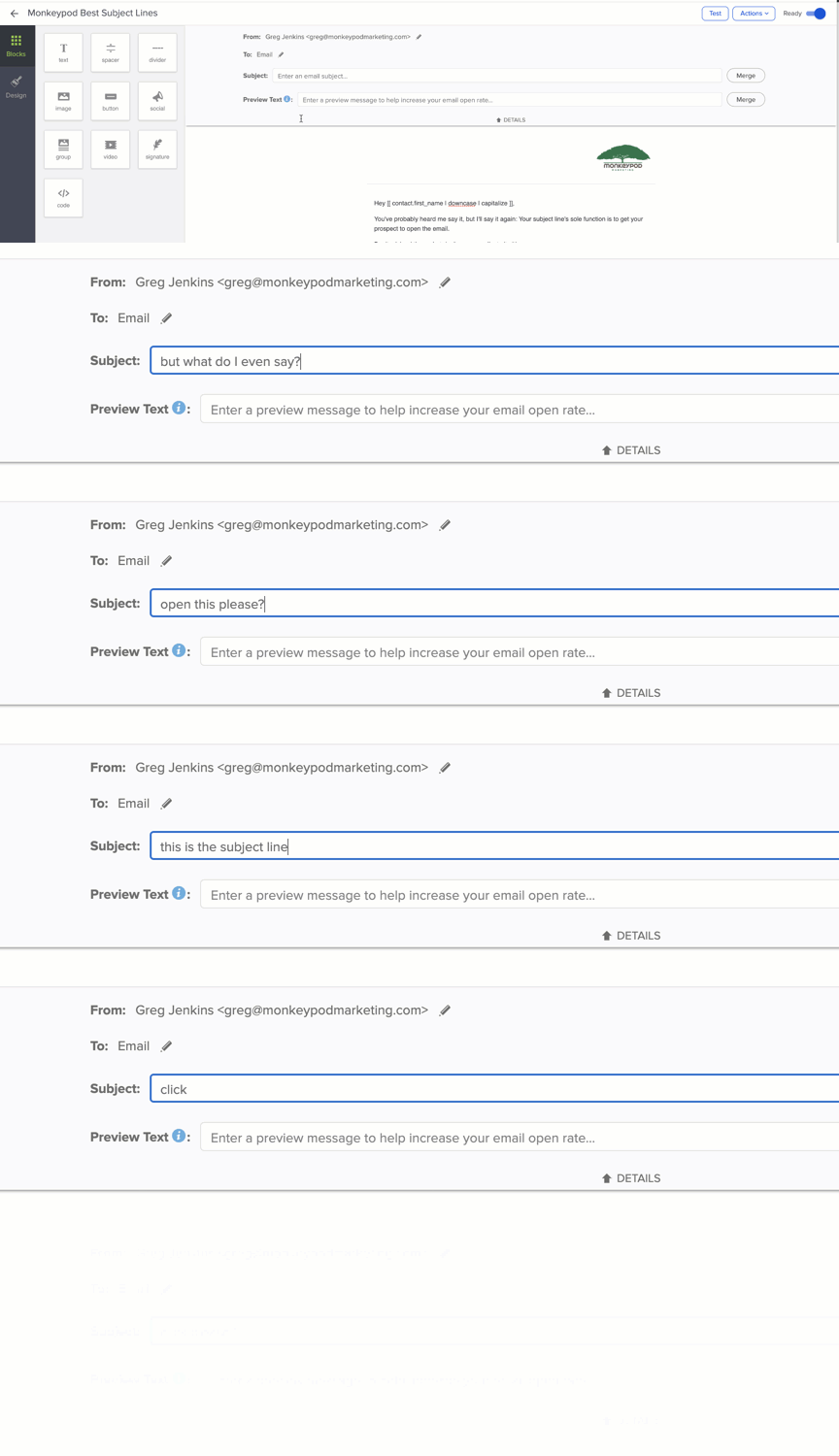
9) [all lower case subject line]

Surprisingly, an all lower-case subject line will stand out to your prospect. As most draft emails are capitalized (SomEtIMes tOO MuCh)

10) “Hoping to help”

Many prospects will appreciate the gesture of wanting to help! (make sure you’re sincere too)

11) “A (benefit) for (prospects company)”

Maybe a new savings strategy for a business? An automated marketing system? a new way of following up?

12) “X tips for (pain point)”

People love lists! Plug in a number in your subject line!

13) “Where is the love?”

If your prospect seems to have vanished, use this to lighten up the situation!

14) “Idea for (topic prospect cares about)”

Free Ideas? Makes my life a little easier! *click*

15) “I found you through (referral name)”

Again, having some sort of referral is the golden ticket. According to Lead Genius, this subject line stands with an awesome 86.6% open rate.

16) “10 mins – (date)”

Short, simple, and right to it.

17) “I love everything in this email”

Very appealing subject line! They will be itching to know what it is you love so much! (make sure the content is lovable)

18) “So nice to meet you (prospects name)”

Let your prospect know you appreciate them visiting your page for the free e-book or pricing page.

19) “We have (insert fact) in common”

Look through your contacts LinkedIn in Facebook profile and look for similarities! Maybe you both use a software? Or you both like pizza? (who doesn’t like pizza)

20) “If you change your mind about partnering with (your company)”

Great to send to prospects who may not be interested anymore, puts the ball back in their court, and allows you to give them a couple last minute options.

21) “Feeling (emotion)? Let me help”

Look towards holidays! If Christmas is coming up you can say something along the lines of “feeling stressed? We can help”

22) “3 weekend ideas for you”

Great for re-engaging prospects! Look up some things in their city that they can do!

23) “Permission to close your file”

Can be a very effective “break up” email… or maybe it will get them back on board?

24) “Do you like baby pandas?”

Everybody loves baby pandas. Something to cheer up customers or maybe get them to laugh a little. If you can find a creative segue to your industry or business they’ll remember your company for sure because of this.

25) “Should I stay or should I go?”

If your prospect seems quiet, send them an email with this subject line.

—-

If you have any subject lines that you have seen be successful please share it in the comments below!

Or, if you wanna take Keap’s subject line generator for a spin – try it out here >>

Feel free to share this list on your favorite social media pages.

Editor’s Note: This is a great list, filled with solid suggestions – but with any high level advice like this, different subject lines perform differently for different people.

So at the end of the day, remember to be authentic (don’t mislead people), be approachable (use your own voice, and personality), and when in doubt – keep it short and sweet.

Here are some of my best performing subject lines >>

Campaign Builder Examples and Real World Use Cases

Campaign Builder Examples and Real World Use Cases

“Do you have any Keap campaign examples?”

This is one the of the questions I’ve heard most over the years.

Like, if you’ve never used Keap’s campaign builder at all – then I’d probably start with this Campaign Builder 101 Blog Post.

And if you are looking for a comprehensive campaign builder training course – then you’re gonna want the CB Trilogy.

(And just in case you hadn’t heard – thanks to a partnership with Keap the CB Trilogy, and all my other courses, are now free to all Keap users.)

But, even if you have a solid grasp on how the campaign builder works, that doesn’t necessarily mean you’ve exhausted all the areas it can serve your business.

3 Critical Campaigns

Here’s a great place to start, with 3 of the most common campaigns that I think can help just about any business on the planet.

Those three examples are pretty high level – and I think could be useful for any business, regardless of your industry, business model, or part of the world.

Two More Campaign Use Cases

The next video I’ve got is also a bonus from the Infusionsoft 101 mini course, and covers two more scenarios where I think the campaign builder can save the day.

Check it out:

My hope is that as you watch these videos, you’re getting ideas for automation you might be able to use in your own business.

Remember, if you need training on how the campaign builder works – the CB trilogy is where I’d recommend you start.

But I know that a big part of maximizing the ROI we get from Keap comes from our ability to spot automation opportunities, and I hope these examples have helped.

Speaking of examples, here are a few more…

More Keap Campaign Examples

Lead Magnet Campaign

Offering a lead magnet is a tried and true way to collect leads and grow your list. And if you’re dealing with any sort of volume, then automation is an essential ingredient for this process. This opt-in campaign offers an ebook, but could just as easily work for almost any lead magnet you might have.
Watch Demo >>

Gather Extra Info

I think we usually think of web forms and landing pages as being tools to collect leads – but you can also use them to gather supplementary info about the folks who are already in your database. Here’s a campaign example designed to collect extra info from your existing list.
Watch Demo >>

Webinar Campaign

Webinars are a great way to engage with prospects, or to build rapport with your existing audience. But in both scenarios you’ll want to build out automation to support the experience (and increase attendance). Here’s a detailed breakdown of the campaign I use for Monkeypod’s webinars.
Watch Demo >>

Two Things Campaign

Sometimes we need automation to happen, but only after the prospect has done two things (like sign a contract, and make a payment), so this demo shows you how you might set up a campaign to accommodate that situation.
Watch demo >>

Course Fulfillment Campaign

Generating new leads is important (obviously), but sometimes I think it gets a disproportionate amount of focus. We can also use Keap Campaigns to support our post-purchase customer experience. Here’s a demo of how you can use automation in the fulfillment part of a customer’s journey.
Watch Demo >>

Flexible Goals Example

Goals work to start and stop sequences – but occasionally we want the same sequence to be stopped when one goal is achieved (like when they buy), but we want it to persist when other goals are met (like when they open, or click), so here’s a campaign set up that can handle that.
Watch demo >>

Here are a few more, organized into a playlist on the ole Monkeypod YouTube channel. But please feel free to drop comments below withe use cases of your own, or requests for campaigns I can model in future posts or videos.

Thanks for reading.

Making Images with Your Face

Making Images with Your Face

YouTube Thumbnail Design may feel like a superficial topic – but there’s more to it than meets the eye.

The thumbnails you use for your videos have one job – to grab someone’s attention.

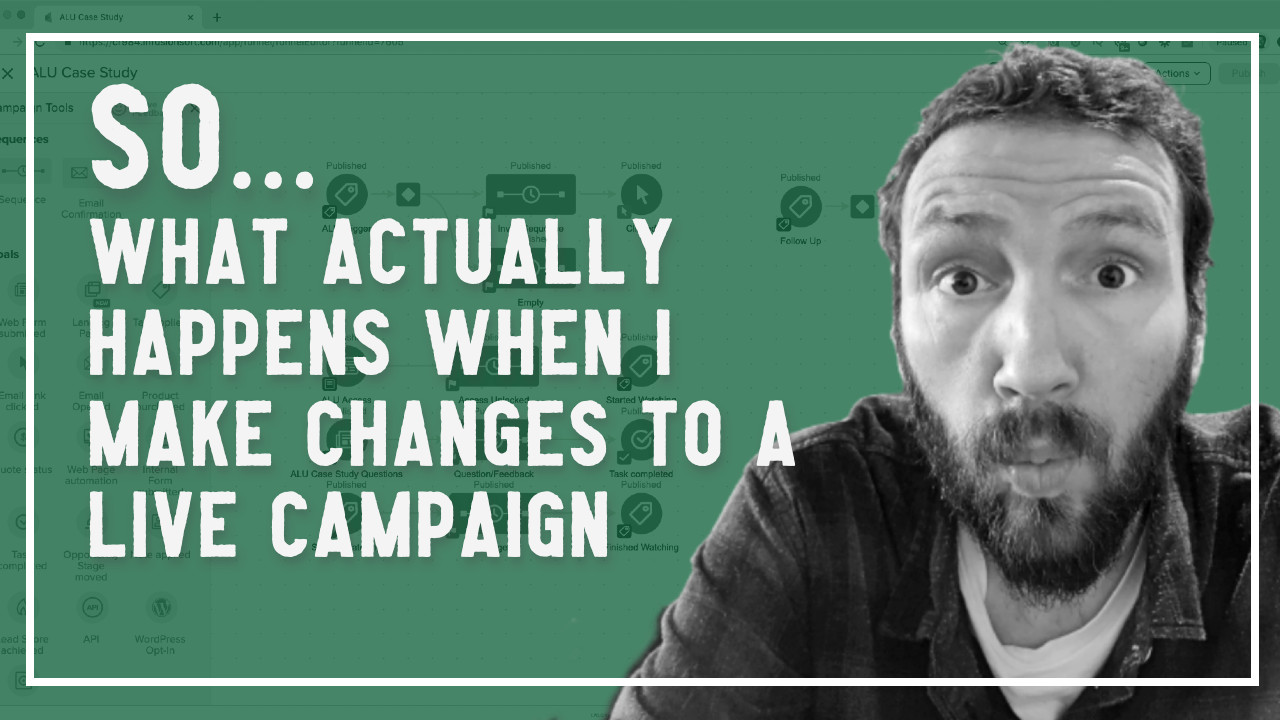
There are lots of tactics for this, but one tip that I’ve seen widely recommended is to use a human face in your thumbnail.

Like this:

Modifying Live Campaigns
Notify a partner
Field Math

Here’s the dealio – a few years ago I read this post from Matt over at MoneyLab – it has a handful of suggestions for improving your YouTube reach.

I was able to follow along with most of them – and actually wrote up my own blog post as I implemented his recommendations.

But the thumbnail one eluded me – because I didn’t have an easy way to remove the background from images.

Until now.

Lemme show you how:

Pretty useful, eh?

Here’s the link to the site I use to remove the backgrounds >>

And here’s Pixlr, the free site I use for photo editing >>

Listen, I’ll be the first to admit that I’m no designer.

So the magical ability to add my mug into images I create isn’t going to fix that overnight – but, in the right hands this tactic can be really useful.

Hope you found it valuable – take care.